
Quick answer
Use the correct formula for the type of percentage you need.
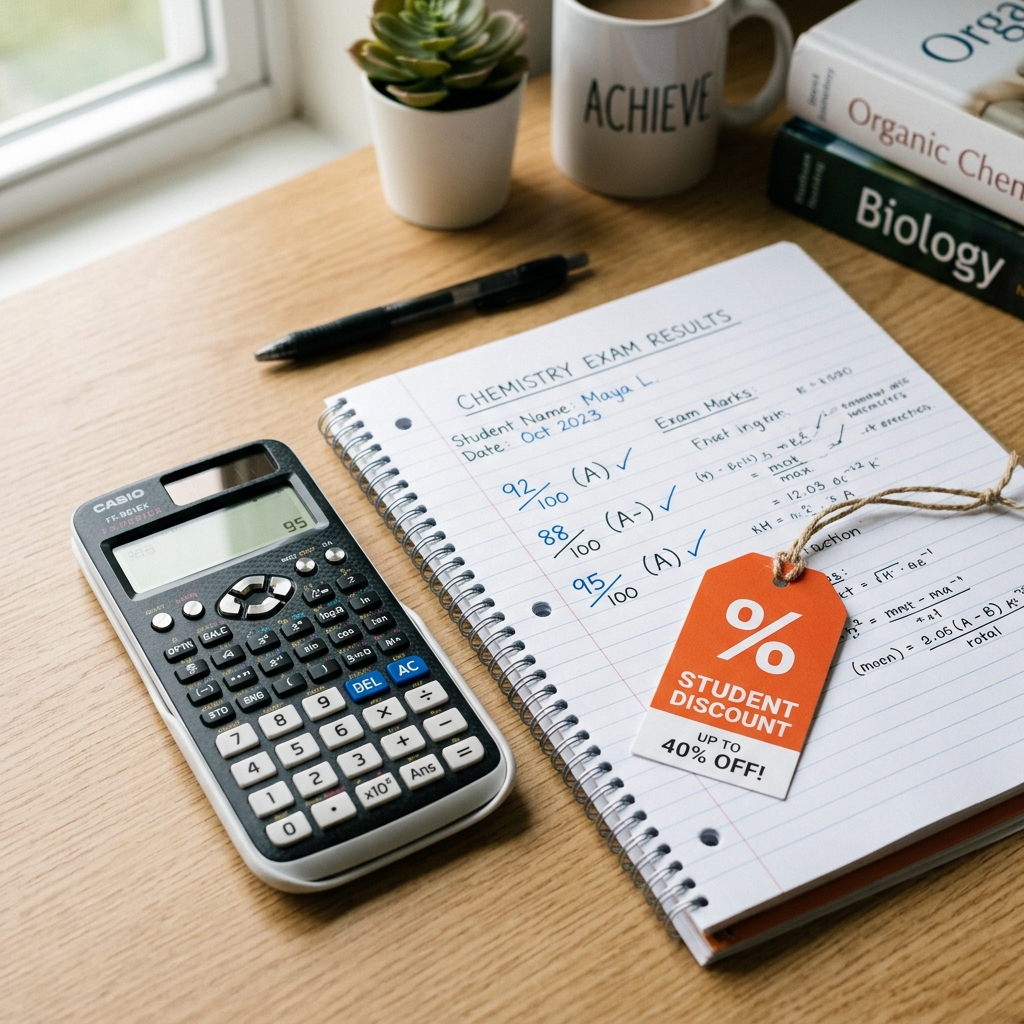
For basic percentage, divide the value by total and multiply by 100. For example, 450 out of 600 is 450 ÷ 600 × 100 = 75%. Use a Percentage Calculator when you need marks percentage, discount, GST-style amount, reverse percentage, profit/loss or increase/decrease quickly.
Key takeaways
- Use obtained value divided by total value multiplied by 100 for basic percentage.
- For marks percentage, use obtained marks and total marks exactly as written on the marksheet.
- For discount or GST-style calculation, calculate the percentage of the base amount first.
- For percentage increase/decrease, reverse percentage and profit/loss, choose the correct mode before using the result in records.
Why percentage calculation matters for forms and records?
Percentage is used in school results, college admission, scholarship records, job forms, bills, discount offers, shop records and business estimates. A small manual mistake can change eligibility, price or record value.
That is why students, shop owners, cyber cafes and document workers should calculate percentage using exact values and the correct formula.
- Students need marks percentage for forms and resumes.
- Customers may ask for discount or price difference quickly.
- Shop records may need GST-style or service charge calculations.
- Cyber cafes often calculate percentage while filling online forms.
What is the basic percentage formula?
The basic percentage formula is value divided by total multiplied by 100. This is used when you want to know what percentage one number is of another number.
- Formula: Value ÷ Total × 100.
- Example: 450 ÷ 600 × 100 = 75%.
- Use this for marks, attendance, target completion and part-of-total calculations.
- Always enter the total value correctly.
Solve it now
Use the free Percentage Calculator tool
The guide explains the problem. The tool helps you prepare the actual file online.
Open Percentage CalculatorHow to calculate percentage online?
Use the Percentage Calculator when you need a quick result without manual division and multiplication. The tool shows both the answer and the formula used.
- Open the Percentage Calculator on Photocopywala.
- Choose the correct mode: marks, part-of-total, percent of a value, increase/decrease, find total from percent or profit/loss.
- Enter exact values from the marksheet, bill, receipt, form or estimate.
- Check the result, formula and supporting cards.
- Use Copy, Share or Print if the result is needed for a student, customer, shop or form record.
- Verify official rules before writing the final value in any official document.
How to calculate marks percentage?
Marks percentage is calculated by dividing obtained marks by total marks and multiplying by 100. This is useful when total marks are 300, 500, 600, 800 or any value other than 100.
Students should use marks exactly as written on the marksheet. If the school or board has special grading or best-of-subject rules, follow the official rule.
- Obtained marks: marks scored by the student.
- Total marks: maximum possible marks.
- Formula: Obtained marks ÷ Total marks × 100.
- Use exact values before applying rounding.
How to calculate discount, GST-style amount, reverse
For discount or GST-style calculation, first calculate the percentage amount from the base value. Then subtract it for discount or add it for extra charge, GST-style estimate or service charge. For reverse percentage, enter known value and known percentage to find the total value.
For profit/loss, enter cost price and selling price. For price change, compare old value and new value using percentage increase/decrease mode.
- 18% of ₹1,000 = ₹180.
- For discount, subtract the calculated amount from the original price.
- For extra charge, add the calculated amount to the original price.
- For increase/decrease, compare old value with new value.
- For reverse percentage, enter known value and percentage to find total.
- For profit/loss, enter cost price and selling price.
Which percentage mode should you use?
A strong percentage calculator should not only calculate marks. It should also handle daily practical cases like finding a percentage amount, comparing old and new values, finding the original total from a percentage and calculating profit/loss percentage.
Choose the mode based on the question you are trying to answer. This avoids using the wrong formula.
- Marks percentage: obtained marks ÷ total marks × 100.
- Percent of a value: percentage ÷ 100 × value.
- Find total from percent: known value ÷ (known percentage ÷ 100).
- Profit/loss percent: selling price minus cost price, divided by cost price × 100.
Why this helps cyber cafes, CSC and MP Online shops?
Cyber cafes and CSC centers often calculate marks percentage, fee percentage, discount value, old-vs-new price difference or customer estimates during daily work. A mobile-friendly calculator with copy, share and print actions makes the workflow faster.
It also reduces calculation mistakes when customers are waiting at the counter.
- Calculate student marks percentage during form filling.
- Estimate discount or service charge quickly.
- Print or share result when a record is needed.
- Use with other document tools such as age calculator, resume builder and PDF tools.
Quick guide to calculating percentages
To calculate a percentage, divide the value by the total and multiply by 100. For example, scoring 450 out of 600 equals 75%.
For exam marks, enter the obtained marks and total marks. For discounts, enter the percentage and the price amount. To find an increase or decrease, simply compare the old value with the new value.
- Marks: (Obtained marks ÷ Total marks) × 100.
- Discount: Calculate the percentage amount and subtract it from the total price.
- GST-style amounts: Calculate the percentage amount and add it to the base price.
- Always double-check official rules before final submissions.
Final check before using percentage in a form, bill
Before using the calculated percentage, check the input values, formula type and rounding rule. A wrong total value or wrong calculation mode can change the final answer.
For official marksheets, admission forms, bills, GST records or business documents, use this calculator as a helper and follow the official document, notice or billing rule.
- Check obtained value and total value carefully.
- Use the correct mode for marks, discount or change.
- Confirm whether the result should be rounded to 1 or 2 decimal places.
- Keep the original marksheet, bill or record until final submission is complete.
Where this helps Photocopywala users
This guide is written for real document work in India: cyber cafe counters, MP Online work, CSC-style services, student forms, exam uploads, job applications and small-office printing.
- Students can calculate marks percentage for admission, scholarship, resume and form records.
- Cyber cafes and MP Online shops can calculate customer marks percentage during form filling work.
- Shop owners can estimate discount amount, GST-style amount or service charge quickly.
- Small businesses can compare old and new prices, calculate reverse percentage and check profit/loss percentage.
Practical checklist before you finish
Before you download or upload the final file, check the details that usually create rejection or rework: readability, file format, file size, spelling, page order and the exact instruction written on the form or portal.
For this task, use Percentage Calculator as a preparation step, not as a replacement for the official requirement. If a school, office, employer, bank or government portal gives a size, format or document rule, follow that rule first and then use the tool to prepare the file.
- Open the downloaded file once and confirm it is not blank, cropped wrongly or unreadable.
- Use a clear file name so you can identify it later during upload or printing.
- Keep the original file until your submission, printout or sharing task is complete.
- Do not add private pages or unnecessary details when only selected information is required.
The most useful parts of this guide are Why percentage calculation matters for forms and records?, What is the basic percentage formula?, How to calculate percentage online?. Read those sections carefully if you are preparing a file for an online form, local photocopy counter, office record or student document work.
Frequently Asked Questions People Search For
How do I calculate percentage online?
Open the Percentage Calculator, choose the correct mode and enter the values. For basic percentage, divide the value by total and multiply by 100. The tool shows the answer, formula and supporting result cards.
How do I calculate marks percentage?
Enter obtained marks and total marks in the Marks Percentage mode. The formula is obtained marks divided by total marks multiplied by 100. For example, 450 out of 600 becomes 75%.
How do I calculate 18% of an amount?
Use Percent of a Value mode. Enter 18 in the percentage field and the amount in the value field. The calculator shows the percentage amount and the final value after adding or subtracting it.
Can I calculate discount percentage with this tool?
Yes. Use Percent of a Value mode to calculate the discount amount. Then check the value after subtracting the calculated amount from the original price.
Can I calculate percentage increase or decrease?
Yes. Use the Increase / Decrease mode. Enter old value and new value. The calculator shows the difference and whether the result is an increase or decrease percentage.
Can this calculator find the total value from a percentage?
Yes. Use the Find Total from Percent mode. For example, if 60 is 15% of the total, enter 60 and 15. The calculator will find the full total value.
Can this calculator calculate profit or loss percentage?
Yes. Use Profit / Loss Percent mode. Enter cost price and selling price. The calculator shows whether it is profit or loss, the amount and the percentage.
Is the Percentage Calculator useful for students?
Yes. Students can use it for marks percentage, admission forms, scholarships, resumes and exam records. It is useful when total marks are not 100 and manual calculation may create mistakes.
Can cyber cafes use this calculator for customers?
Yes. Cyber cafes, CSC centers and MP Online shops can use it for marks percentage, discounts, bill estimates, service charge calculations and daily customer records.
Does this calculator replace official GST or school rules?
No. This calculator is a helper. For GST, official marksheets, admissions, bills or business records, always follow the latest official rule, invoice system or document instruction.
Can I copy, share or print the percentage result?
Yes. The tool includes Copy, Share and Print actions. These are useful when the result is needed for a student, customer, shop record or form-filling workflow.
What should I do after calculating marks percentage?
After calculating marks percentage, check whether the form needs exact percentage, rounded percentage, grade or CGPA. Then prepare related files such as photo, signature, resume or PDF if needed.
Read next
Related blog posts
These guides support the same document, photo, PDF or online-form workflow, so readers can solve the next step without returning to search.
How to Calculate Days Between Dates Online for Forms and Deadlines
Learn how to calculate days between dates, add days, subtract days and count working days for forms, exams, deadlines and office work.
Utility ToolsHow to Calculate GST Online for Bills and Invoices
Learn how to calculate GST online for bills and invoices. Add GST, remove GST, split CGST/SGST or IGST and understand taxable value.
Utility ToolsHow to Calculate Loan EMI Online for Home, Car and Personal Loan
Learn how to calculate loan EMI online for home loan, car loan, personal loan, education loan and business loan with interest and repayment schedule.
Utility ToolsHow to Calculate Age Online for School, Job and Government Forms
Learn how to calculate exact age from date of birth for school admission, job forms, exams, scholarships and document work.
Written by
Shrikant Yadav
Website Developer, Photocopywala
Shrikant Yadav writes practical Photocopywala guides for photo tools, PDF tools, document preparation, printable resources, government-link safety and online form help for Indian students, job seekers, shop owners and everyday users.
Solve it now
Use the free Percentage Calculator tool
The guide explains the problem. The tool helps you prepare the actual file online.
Open Percentage Calculator