
Free Printing Tools Online
Free printing tools online help you prepare passport photo sheets, ID card layouts, printable certificates, notebook pages and other print-ready files from your browser. Photocopy Wala is designed for practical A4, photo-paper and card-layout work used by individuals, cyber cafes, photocopy shops and CSC operators. Choose the required print job below and use the dedicated layout tool for that task.
Printing Tools Specifications
- Total Tools:
- 15 Free Utilities
- Cost / Access:
- 100% Free Forever
- Security:
- In-Browser (Zero Cloud Storage)
- Watermark:
- No Watermark (Clean Output)
- Platform:
- Phone, Tablet, Mac & PC
Which Printing Tool Do I Need?
Choose your print layout or ID card preparation task to create clean, high-DPI printable sheets.
Popular Printing Tools
Most frequently used free printing tools for daily work.

Passport Size Photo Maker
Free online 35x45mm passport photo maker with A4 print sheet.
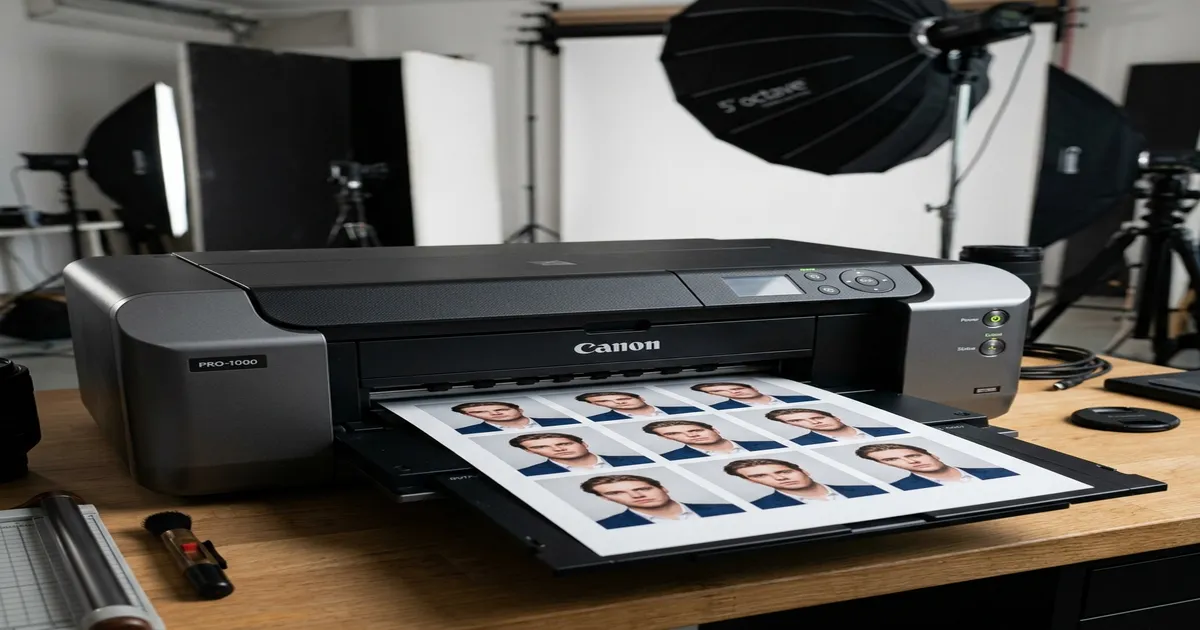
A4 Passport Photo Sheet Maker
A4 passport photo sheet maker.
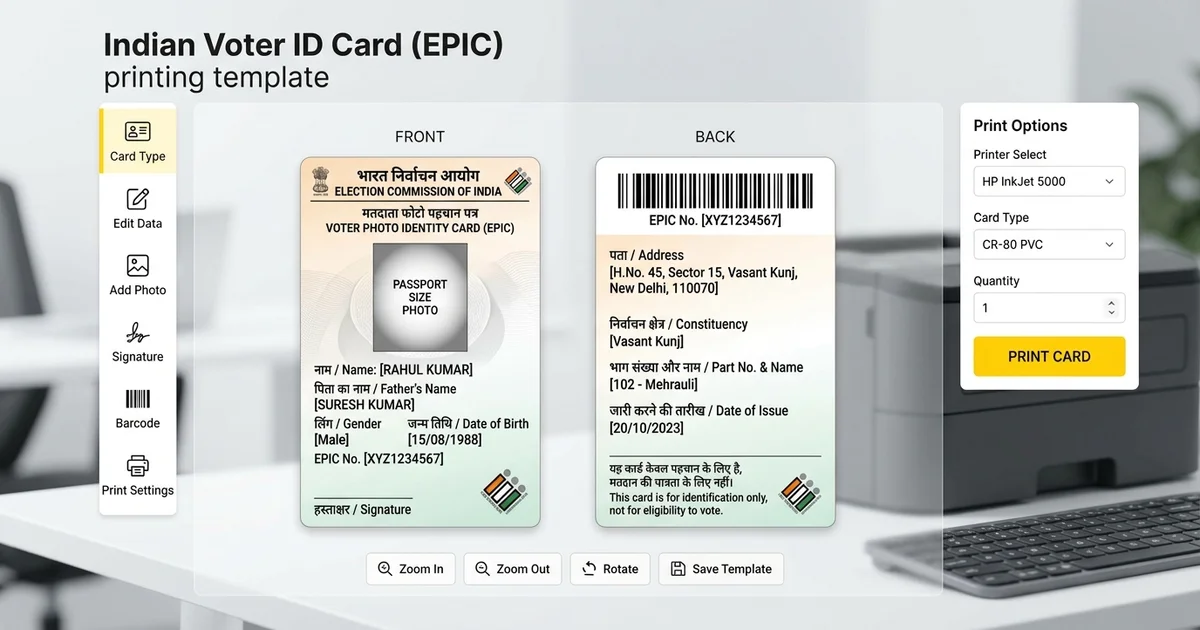
Smart Voter ID Card Maker
Convert e-EPIC PDF to CR-80 PVC Voter Card.
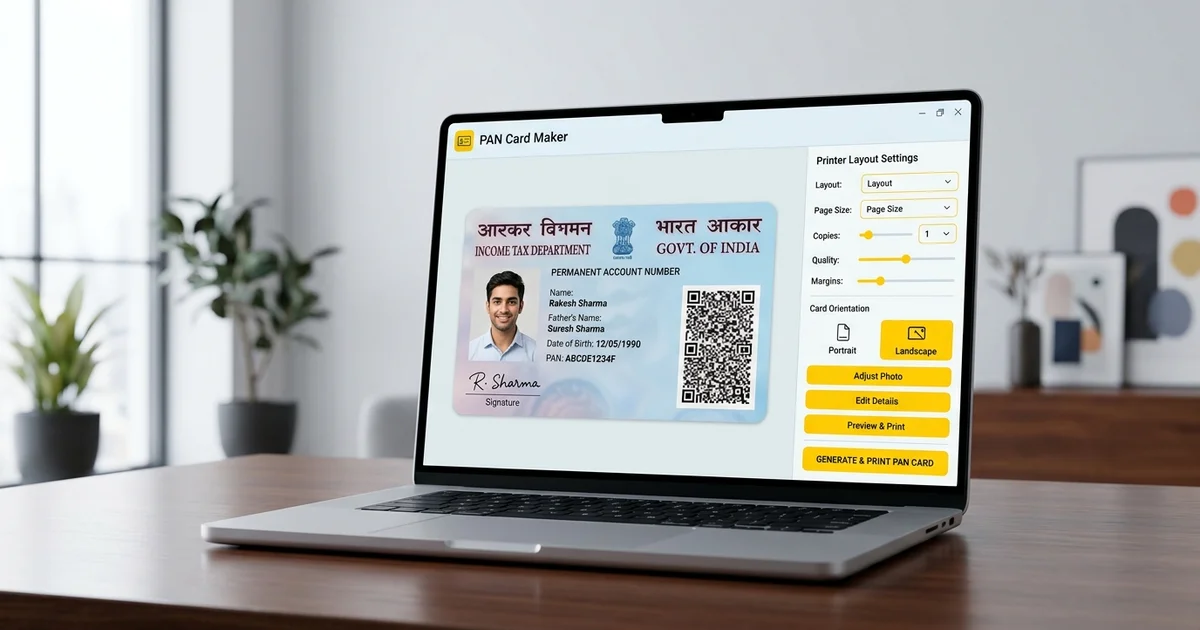
Smart PAN Card Maker
Convert e-PAN PDF to CR-80 PVC PAN Card.
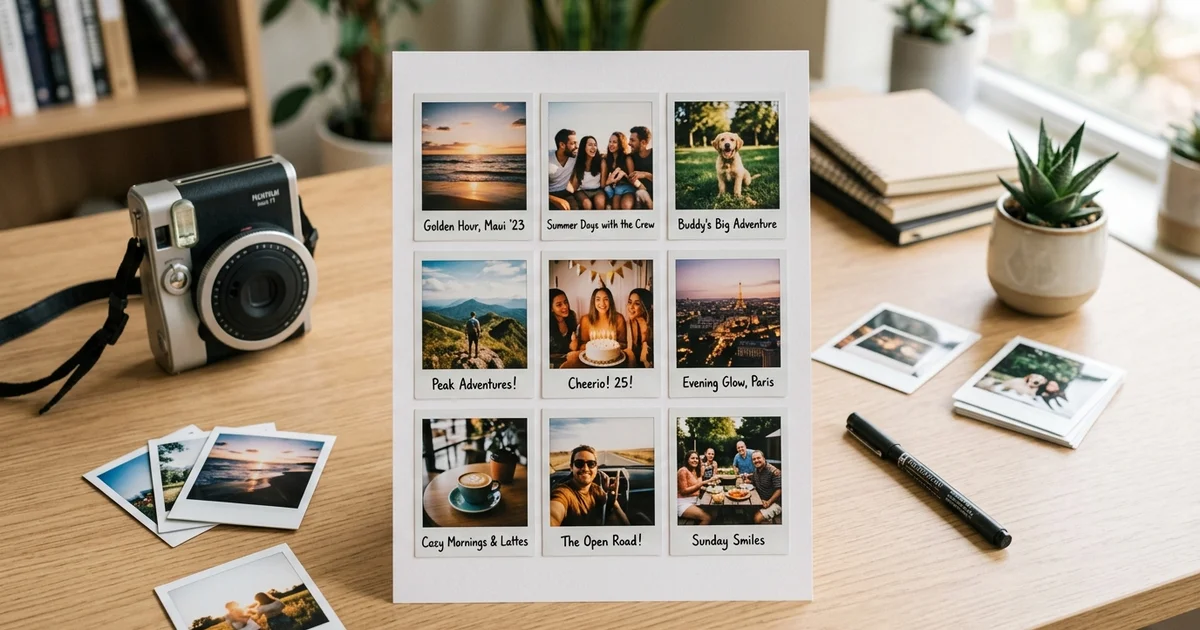
Polaroid A4 Sheet Printer
Create 9-Up Polaroid photos on single A4 print sheet.
Multiple ID Card Maker / Print
Create multiple ID cards & A4 print sheet.
All Printing Tools (13)
Explore all free browser tools available in this category. Click any tool to start immediately.
Passport Size Photo Maker
Free online 35x45mm passport photo maker with A4 print sheet.
A4 Passport Photo Sheet Maker
A4 passport photo sheet maker.
Passport Photo A6 Tool
4x6 and A6 passport photo sheet.
Stamp Size Photo Maker
20x25mm stamp size photo generator.
Smart Voter ID Card Maker
Convert e-EPIC PDF to CR-80 PVC Voter Card.
Smart PAN Card Maker
Convert e-PAN PDF to CR-80 PVC PAN Card.
Polaroid A4 Sheet Printer
Create 9-Up Polaroid photos on single A4 print sheet.
Multiple ID Card Maker / Print
Create multiple ID cards & A4 print sheet.
ID Front Back Sheet
Combine ID card front & back on single page.
Aadhaar PVC Print Layout
Format Aadhaar for PVC card printing.
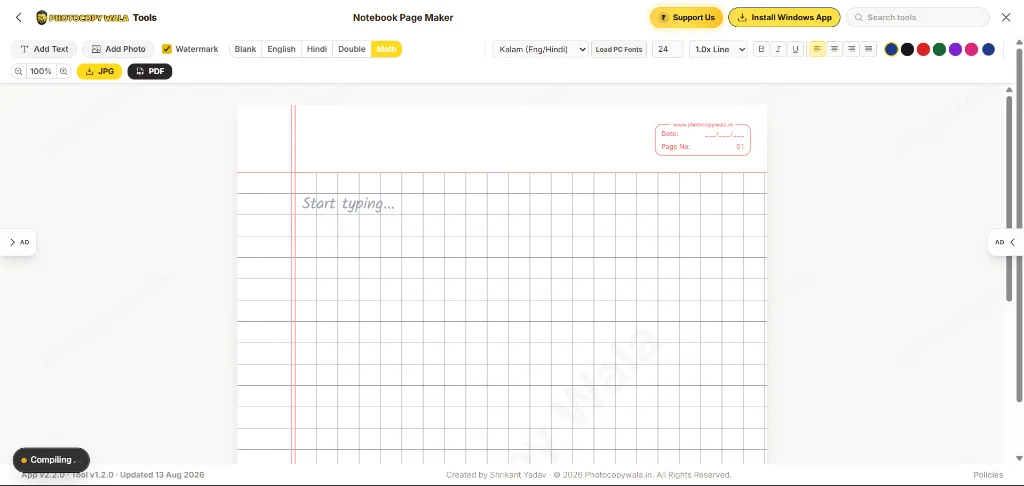
Notebook Page Maker
Ruled assignment notebook paper generator.
Certificate Generator (Completion, Internship & Awards)
Create printable A4 completion, internship & award certificates with CSV batch export.
Business Card Maker
Design 3.5x2 inch visiting cards with QR.
Printing Tools by Sub-Category
Narrow down your search by specialized task type and use case inside Printing Tools.
Passport Photo Sheets & Layouts
Arrange 8, 16, 24, or 32 photos on A4 or 4×6 inch photo paper with cutting lines.
Smart PVC & ID Card Printing
Convert e-PAN, Voter ID, and Aadhaar PDFs to standard CR-80 PVC card dimensions.
Polaroid & Photo Album Prints
Format retro Polaroid-style sheets with captions and mini photo album layouts.
School & Office Stationery Printables
Generate ruled Hindi/English notebook pages, certificates, and business cards.
Guide to Printing Tools
Practical recommendations, workflows, and specifications for using printing tools.
Passport Photo Printing Tools
Create passport-size photos and arrange multiple copies on A4 or photo paper.
Use the specialized sheet makers when you need several copies, multiple people or a particular paper format instead of manually arranging photographs in a general image editor.
ID Card and PVC Print Preparation
Use the dedicated card-layout tools when you already have a legitimate document and need to prepare it for printing.
PAN, Voter ID and Aadhaar workflows should remain separate from the custom ID Card Maker, which is intended for custom student, employee and organization cards.
A4 Printables and Shop Tools
Photocopy Wala also includes printable certificate, notebook, business-card and creative photo-sheet utilities.
Preview the output and use the correct printer scaling before producing multiple copies.
How to Prepare Documents for Printing
- 1
Select the printing tool suited to your document (Passport A4 sheet, PVC layout, or notebook paper).
- 2
Upload your photos or legitimate identity files directly in your browser.
- 3
Set paper size (A4 or 4x6 photo paper) and review layout guides.
- 4
Verify preview scaling and alignment.
- 5
Download the print-ready PDF or JPEG and print at 100% scale (Actual Size).
Related Searches & Tools in Printing Tools
Related Tool Categories
Check out complementary tool categories designed to help with everyday digital and document tasks.
Free PDF Tools Online
Free PDF tools online to merge, compress, split, rotate, delete pages, reorder files, convert images to PDF and export PDF pages as images free.
Free Image Tools Online
Free image tools online to compress photos to KB, resize by pixels, crop images, remove backgrounds, enhance scans and process files in bulk.
Online Form Tools
Online form tools to resize photos and signatures, compress files to KB, prepare exam uploads, mask Aadhaar details and format documents for forms.
Printing Tools - Frequently Asked Questions
Helpful answers regarding limits, browser privacy, formats, and using our free online printing tools.
What are free printing tools online?
Free printing tools online help prepare digital files in layouts suitable for common paper, photo and card-printing jobs.
Which tool should I use to print passport photos on A4?
Use the A4 Passport Photo Sheet Maker when you specifically need multiple passport photographs arranged on standard A4 paper.
Can I prepare existing ID documents for printing?
Use the dedicated PAN, Voter ID or Aadhaar layout tool for legitimate documents obtained from the appropriate source.