
Exam Signature Resizers (SSC / UPSC / IBPS)
Resize signatures by KB, pixels, cm/mm and exam-style settings for Indian online forms. All tools run 100% in your device browser for instant speed and complete privacy.
Suite Specifications
- Tools in Suite:
- 9 Utilities
- Category:
- Online Form Tools
- Cost / Access:
- 100% Free Forever
- Privacy:
- Client-Side Browser Execution
Exam Signature Resizers (SSC / UPSC / IBPS) (9)
Click any tool below to launch and use directly in your browser with zero limits.
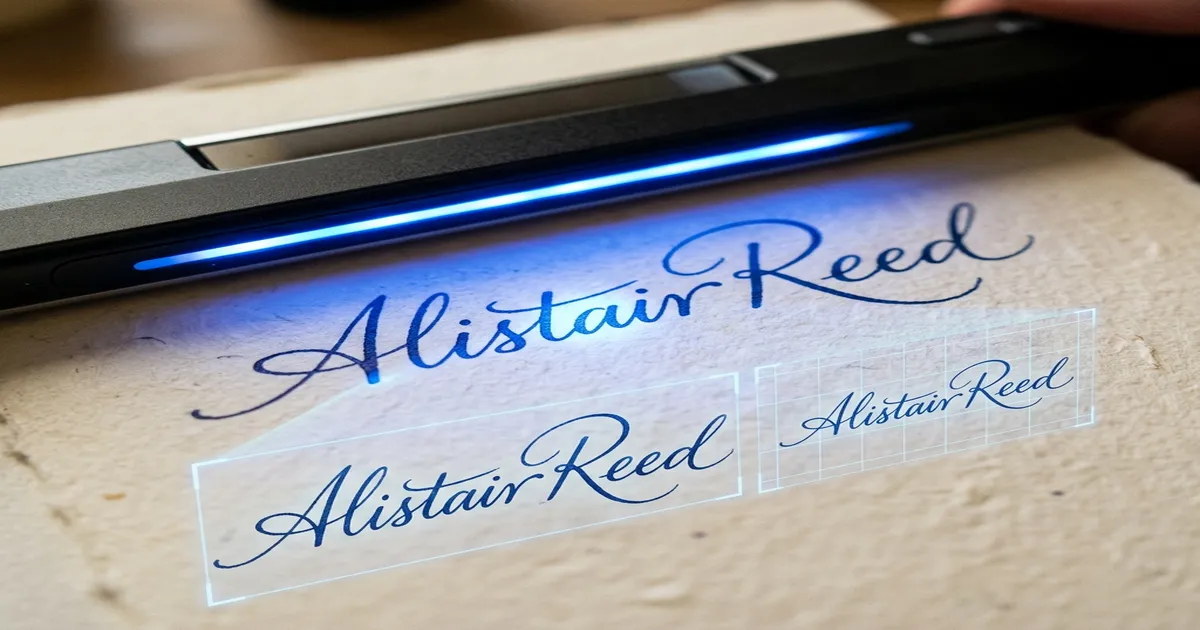
Signature Resizer
Resize signature for govt forms by KB, CM or PX.
SSC Signature Resizer 2026
Resize signature for SSC exam forms.
IBPS Signature Resizer
Resize signature for IBPS bank exams.
UPSC Signature Resizer
Resize signature for UPSC forms.
Signature Resize 10KB to 20KB
Resize signature to 10-20KB.
Signature Resize 10KB to 50KB
Resize signature to 10-50KB.
Signature Resize Width Height in CM
Resize signature in CM/MM.
Signature Resize Width Height in PX
Resize signature in pixels.

Signature Compressor
Compress signature to 10KB-20KB.
Other Sub-Categories in Online Form Tools
Check out related task-specific utilities inside Online Form Tools.
Photo & Signature Combiners
Merge photo and signature onto a single image file for unified form uploads.
Aadhaar Masking & Digital Signatures
Mask first 8 Aadhaar digits for UIDAI privacy and draw digital signatures on screen.
Online Form Tools - FAQs
Frequently asked questions regarding online form tools and browser privacy.
What are online form tools?
Online form tools are utilities that help prepare photos, signatures and documents to meet upload requirements for digital application forms.
Which tool should I use if both photo dimensions and KB size are wrong?
Resize the image dimensions first, then compress the resulting file toward the KB limit shown in the current application instructions.
Are photo and signature requirements the same for every exam?
No. Requirements can differ by organization, recruitment cycle and notification. Always verify the current official instructions before submitting.