
Free Image Tools Online
Free image tools online help you compress photos, resize images, crop pictures, remove backgrounds, improve dark scans and prepare files for forms, printing and sharing. Photocopy Wala includes tools for exact-KB compression, pixel resizing, bulk image processing and everyday photo editing. Choose the image task you need below instead of using one complicated editor for every job.
Image Tools Specifications
- Total Tools:
- 10 Free Utilities
- Cost / Access:
- 100% Free Forever
- Security:
- In-Browser (Zero Cloud Storage)
- Watermark:
- No Watermark (Clean Output)
- Platform:
- Phone, Tablet, Mac & PC
Which Image Tool Do I Need?
Select your image preparation or editing task below to launch the right browser tool immediately.
Popular Image Tools
Most frequently used free image tools for daily work.
Image Compressor Online
Compress JPG, PNG and WebP images.
Image Cropper
Crop photos for common document use.
Photo Background Remover
Remove or change photo background.
Resize Image by Pixels
Set exact image pixels.
Bulk Image Resizer (Batch Resize Photos to KB & Pixels)
Batch resize photos to target KB limits & pixel dimensions with ZIP export.

Compress Photo to KB
Compress photo to exact KB size.
All Image Tools (8)
Explore all free browser tools available in this category. Click any tool to start immediately.
Image Compressor Online
Compress JPG, PNG and WebP images.
Image Cropper
Crop photos for common document use.
Photo Background Remover
Remove or change photo background.
Resize Image by Pixels
Set exact image pixels.
Bulk Image Resizer (Batch Resize Photos to KB & Pixels)
Batch resize photos to target KB limits & pixel dimensions with ZIP export.
Compress Photo to KB
Compress photo to exact KB size.
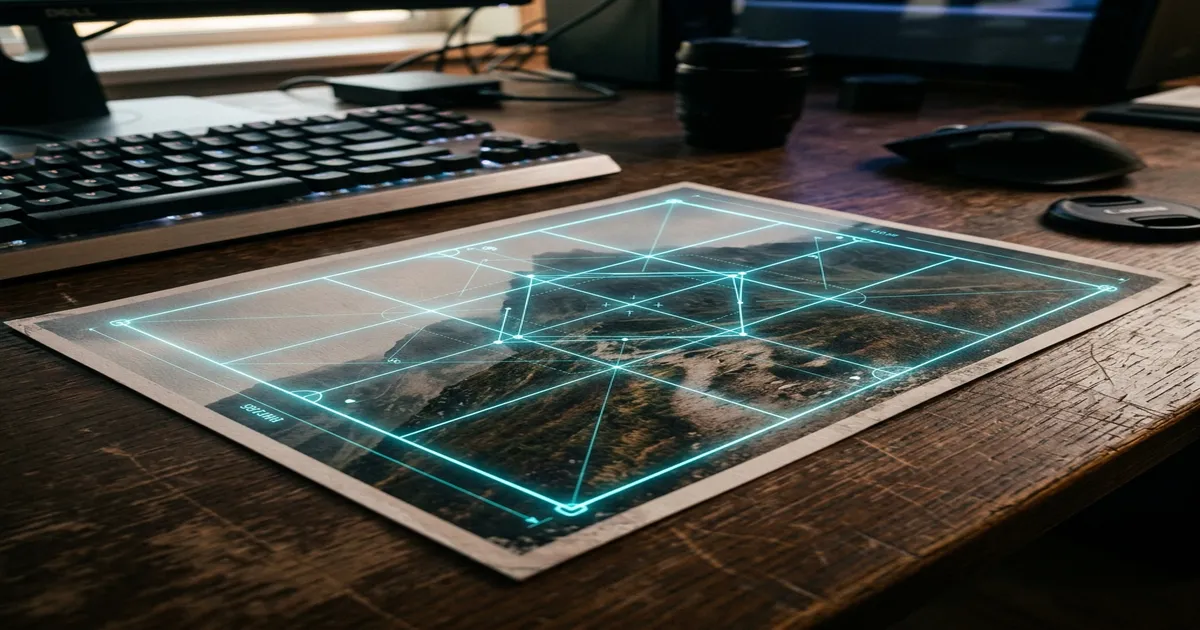
Photo Crop Tool
Online custom aspect ratio cropper.
Brightness & Contrast Adjuster (Fix Dark Scans & Photos)
Enhance dark photos & scanned documents with real-time canvas sliders.
Image Tools by Sub-Category
Narrow down your search by specialized task type and use case inside Image Tools.
Image Compression & KB Reducer
Compress photos to exact 20KB, 50KB, or 100KB limits without quality loss.
Cropping & Pixel Dimensions
Crop custom aspect ratios and resize to exact pixel width and height.
Background & Contrast Enhancement
Remove complex backgrounds, adjust brightness, contrast, and clarity.
Bulk Image Processing
Process and resize dozens of photos simultaneously in one batch.
Guide to Image Tools
Practical recommendations, workflows, and specifications for using image tools.
Compress Images for Online Uploads
Use exact-KB compression when a website gives you a file-size limit such as 20KB, 50KB or 100KB.
For ordinary website, email or sharing optimization where an exact target is not necessary, use the general Image Compressor.
Resize Images by Pixels
Use a pixel resizer when an application specifies width and height rather than only file size.
Keep the aspect ratio locked when you want to avoid stretching the image, or enter exact dimensions when the destination requires them.
Crop and Improve Photos
Use Image Cropper to remove unwanted borders or select the required area.
Background removal is useful when a clean or transparent background is needed, while brightness and contrast adjustment can improve dark photographs and photographed documents.
Process Multiple Images
Use Bulk Image Resizer when several files need the same dimensions or size treatment. Batch workflows are useful for photo sets, shop work and repeated document preparation.
How to Use Free Image Tools Online
- 1
Pick the image tool suited to your task (KB compression, pixel resizing, or background removal).
- 2
Upload your image or batch of photos directly in your browser.
- 3
Adjust target dimensions, quality slider, or crop boundaries.
- 4
Preview the output to ensure sharp details and accurate colors.
- 5
Download your optimized image file ready for sharing or form submission.
Related Searches & Tools in Image Tools
Related Tool Categories
Check out complementary tool categories designed to help with everyday digital and document tasks.
Online Form Tools
Online form tools to resize photos and signatures, compress files to KB, prepare exam uploads, mask Aadhaar details and format documents for forms.
Free Printing Tools Online
Free printing tools online for passport photo sheets, ID card layouts, Aadhaar, PAN and Voter print preparation, certificates and A4 printables.
Free PDF Tools Online
Free PDF tools online to merge, compress, split, rotate, delete pages, reorder files, convert images to PDF and export PDF pages as images free.
Image Tools - Frequently Asked Questions
Helpful answers regarding limits, browser privacy, formats, and using our free online image tools.
What are free image tools online?
Free image tools online are browser utilities for jobs such as compression, resizing, cropping, background removal and basic image enhancement.
What is the difference between Image Compressor and Compress Photo to KB?
Image Compressor is best for general optimization. Compress Photo to KB is designed for users who need to work toward a specific target file size.
Which tool should I use for an online form photo?
Use Document Photo Resizer or Resize Image by Pixels when dimensions are specified, then use Compress Photo to KB if the form also has a file-size requirement.