
Image to PDF Converter
Convert photos, pictures, screenshots, and scanned images into a single PDF document. Supports multi-photo image compilation with custom A4 page.
Start Converting Your Images
Select 1 or more photos, screenshots, or scanned images from your device to generate a clean PDF document instantly.
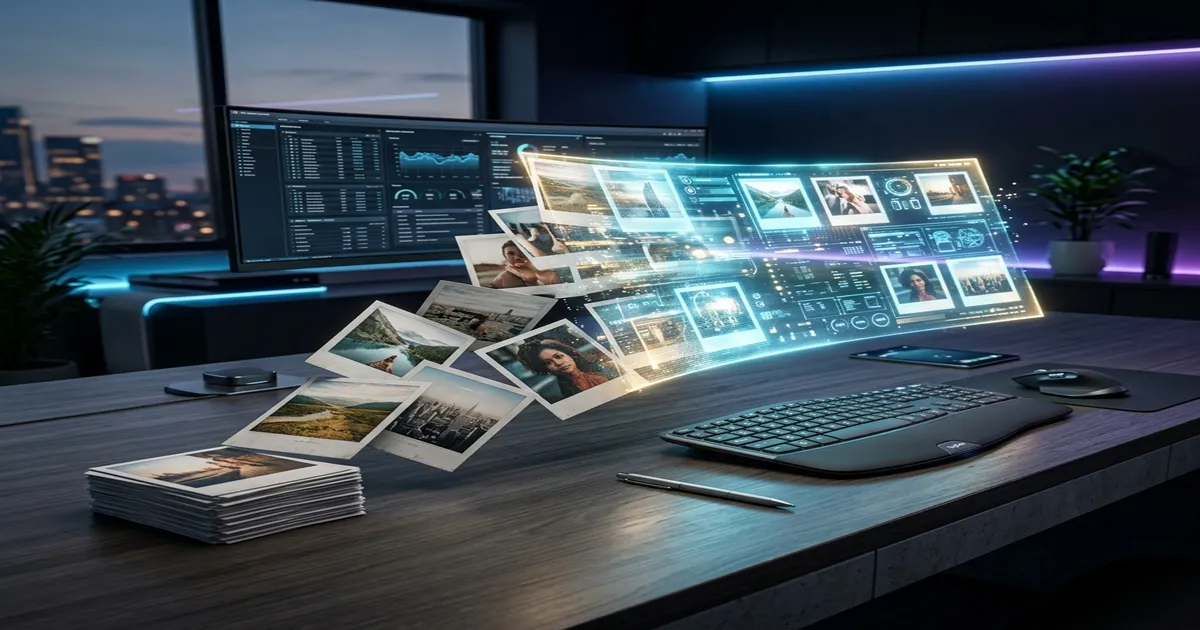
How to convert photos & images to PDF
Follow these 4 quick steps to merge your images into a PDF document.
Step 1 - Upload Image Files
Select single or multiple photos, screenshots, or document scans from your device gallery or computer.
Step 2 - Arrange Page Sequence
Drag and drop photo thumbnails up or down to set the exact order of pages in your PDF document.
Step 3 - Adjust Layout & Margins
Set page size (A4, Letter, Auto Fit), orientation (Portrait/Landscape), or crop out extra background edges.
Step 4 - Generate & Download PDF
Click 'Convert' to compile your images into a single PDF document and download it instantly.
Quick answer
Looking for a versatile Image to PDF converter? Easily combine any mix of photos, pictures, screenshots, or scanned documents into a single, clean PDF file.
Supports camera photos, digital pictures, screenshots, and mobile document scans. Designed for marksheets, ID proof scans, certificate bundles, homework pages, and office document sharing. Converts 100% locally in your web browser with zero server uploads.
What this Image to PDF converter can do
Turn any picture or photo into a submission-ready PDF document.
Multi-Photo Image Merging
Combine multiple photos, pictures, or document scans into one unified PDF document without converting them first.
Standard A4 & Letter Layouts
Format your image pages for A4, US Letter, Legal, or Auto Fit dimensions for seamless printing.
100% Local Browser Privacy
All PDF compilation happens inside your browser. Your sensitive photos and documents never touch cloud servers.
Guidelines for clean image to PDF conversion
Tips to make sure your converted PDF looks crisp and professional.
Flat & Well-Lit Photos
Photograph printed documents flat under bright light to avoid dark shadows across text.
Check Sequence Order
Organize Page 1 (Front ID), Page 2 (Back ID), or multi-page certificates in exact sequence.
Crop Desk Borders
Crop out background tables or clutter so the PDF page focuses purely on your document.
Target File Size Limits
If an online portal requires a PDF under 200KB or 1MB, use our Compress PDF tool after converting.
Descriptive File Name
Save your final PDF with a clear title (e.g., Application_Documents.pdf) before uploading.
100% Private & Local Browser Processing
All processing happens locally in your browser. Your files are never uploaded to any server.
- Client-Side Conversion: PDF creation runs directly inside your device's browser memory.
- Zero Cloud Storage: We do not store, log, transmit, or retain your uploaded images or generated PDFs.
- No Account Needed: Access all conversion tools instantly without registration or entering email addresses.
Online help
Need help preparing this file?
If your photo, signature, PDF, or document is still not accepted on a portal, contact us. We can help prepare the final file online.
We do not ask for OTP, passwords, Aadhaar login, MPOnline login or any government portal credentials.
Image to PDF Converter FAQs
Answers to common questions about converting photos and images into PDF documents.
How do I convert images to PDF online?
Select one or more photo files or pictures from your device gallery. Drag the image thumbnails to set your preferred page order, choose page layout options (A4, Letter, or Auto Fit), and click 'Convert'. Your single PDF document will be generated instantly.
Can I combine different photos and pictures into one single PDF?
Yes! The Image to PDF converter supports multi-photo batch compilation. You can upload a mix of digital pictures, camera photos, screenshots, and scanned document images, and combine them all into a single, cohesive PDF file.
Can I convert photos from my mobile camera into a single PDF document?
Yes! Select any photos or pictures from your mobile gallery. Organize them in your preferred page order, crop or rotate if needed, and tap 'Convert to PDF'. Your single PDF document is ready for instant download without watermarks or account signups.
How to convert photos for online document uploads (Aadhaar, Marksheet, Certificates)?
Upload your document photos into the Image to PDF converter, crop out any extra table background or shadows, set page sizing to standard A4, and click Convert. If the target portal (DigiLocker, UMANG, university application) requires a specific file size under 1MB or 200KB, use our Compress PDF tool after downloading.
Are my uploaded photos or documents stored on any server?
No. All conversion algorithms run 100% locally inside your web browser using client-side JavaScript. Your private pictures, receipts, certificates, and ID documents never touch cloud servers.
What page sizes and margin settings are available?
You can choose standard A4 (210×297 mm), US Letter, US Legal, or Auto Fit (which matches the exact resolution of your input photos). Margins can be set to None (Edge-to-edge), Small, Normal, or Big, with Portrait or Landscape orientation.
Does converting photos to PDF reduce image resolution or text quality?
No. High-resolution photo rendering is preserved using PDF vector containers. Fine text on marksheets, printed receipts, seal stamps, and signatures remains sharp and easy to read.
Is there any watermark or daily conversion limit?
No. Photocopywala tools are 100% free with no watermarks, no registration, no account signup, and no daily upload cap.