
Signature Resizer Tool Online Free for Photos in KB
Resize your signature and photo online for free with our signature resizer tool. Adjust file size in KB, crop white space, and format for SSC, IBPS, SBI, India Post GDS and other government exam portals.
Start Signature Resizer
Upload your signature photo, crop extra background, adjust file size in KB, choose JPG/JPEG output, and download a clean file for online form upload. When your form gives a strict KB range or exact dimension, open the matching helper below.
Resize Signature Now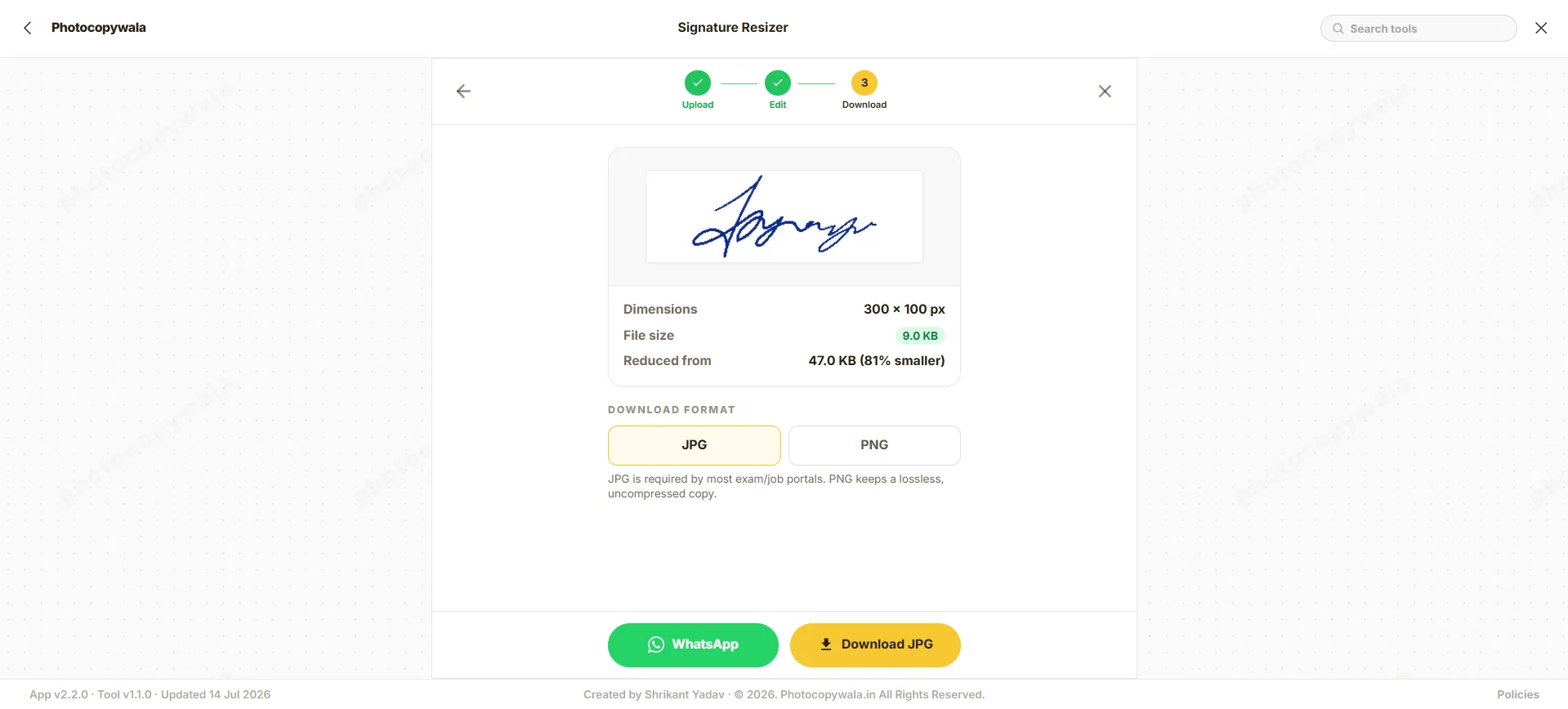
Need a matching Passport Size Photo for the same form?
Prepare your 35x45 mm passport photo (20KB - 50KB) with white background for SSC, UPSC, and IBPS online application portals.
How to resize signature online
Follow the exact rule shown by your form, then use the matching KB, cm or pixel setting.
 1
1Step 1 - Upload signature
Upload a scanned signature or a clear phone photo of your signature on plain white paper.
 2
2Step 2 - Choose resize method
Use a KB target, cm/mm size, pixel width and height, or an exam preset based on the rule shown by your form.
 3
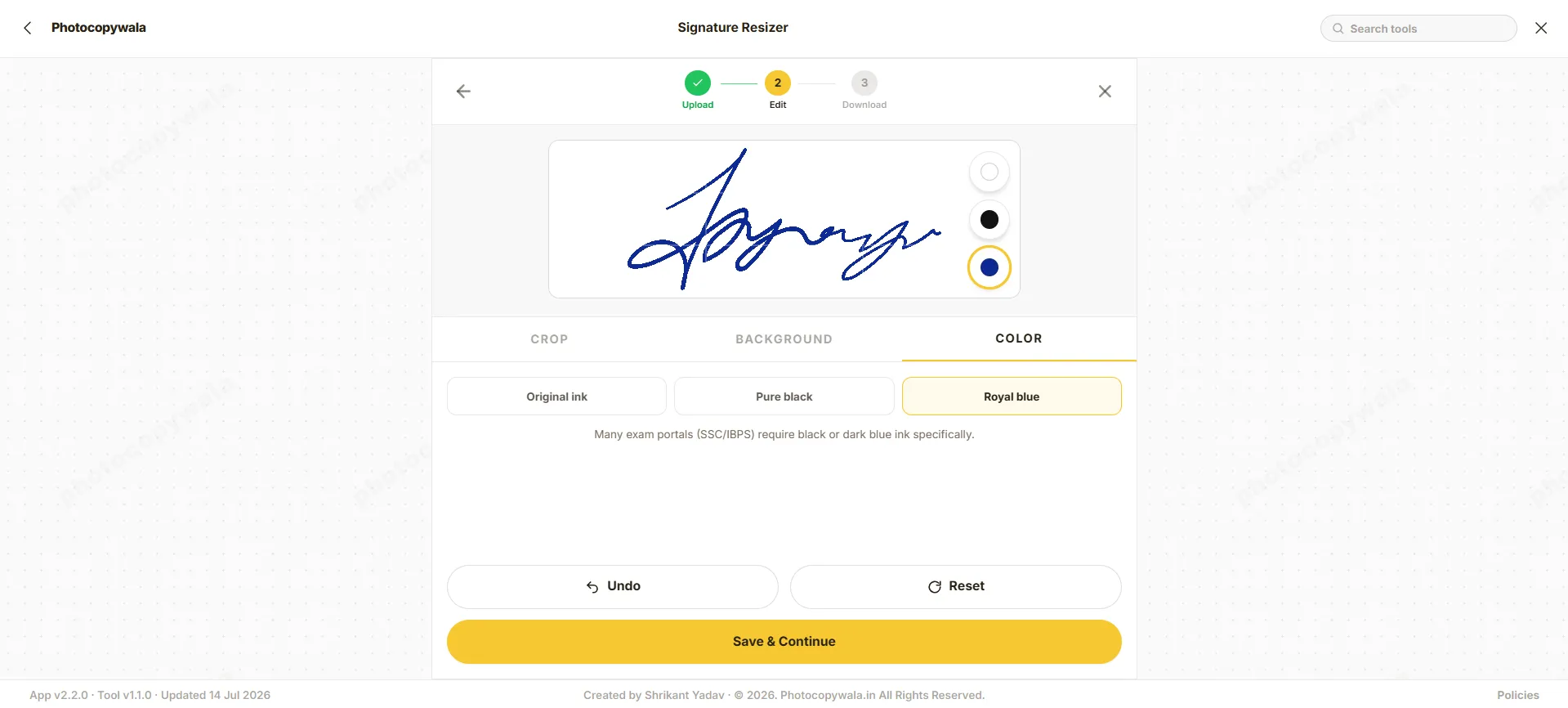
3Step 3 - Clean background
Crop extra space and make the paper background clean white so the signature remains readable.
 4
4Step 4 - Select format
Choose JPG/JPEG for most Indian forms unless your portal specifically allows PNG or another format.
5Step 5 - Preview and download
Open the final file and check the KB size, dimensions, background and ink clarity before uploading it to a portal.
Quick answer
Our signature resizer tool helps you prepare signature and photo files to match exact portal upload specifications. Whether you need to adjust file size in KB (such as 10KB to 20KB or 20KB to 50KB), crop extra margins, clean paper backgrounds, or export a standard JPG/JPEG, this utility ensures your file meets standard requirements for SSC, IBPS, SBI, India Post GDS, and other recruitment portals.
Use this signature resizer for general signature and photo resizing. When your application form specifies a strict requirement, open our matching helpers: 10KB to 20KB signature, 10KB to 50KB signature, signature size in cm, or signature width and height in px.
Best practice for Indian online forms:
- Read the exact portal rule first: KB range, pixels, format and background.
- Use JPG/JPEG unless the portal clearly allows PNG or another format.
- If your portal says "signature size should be at least 20kb", adjust the quality slider higher so the final JPG stays between 20 KB and 50 KB.
- Do not over-compress. A readable signature is better than a tiny but unclear file.
Before & After: Shadow Removal & Contrast Enhancement
See how raw phone photos of signatures with paper shadows are automatically cleaned, cropped, and balanced to meet portal upload rules.
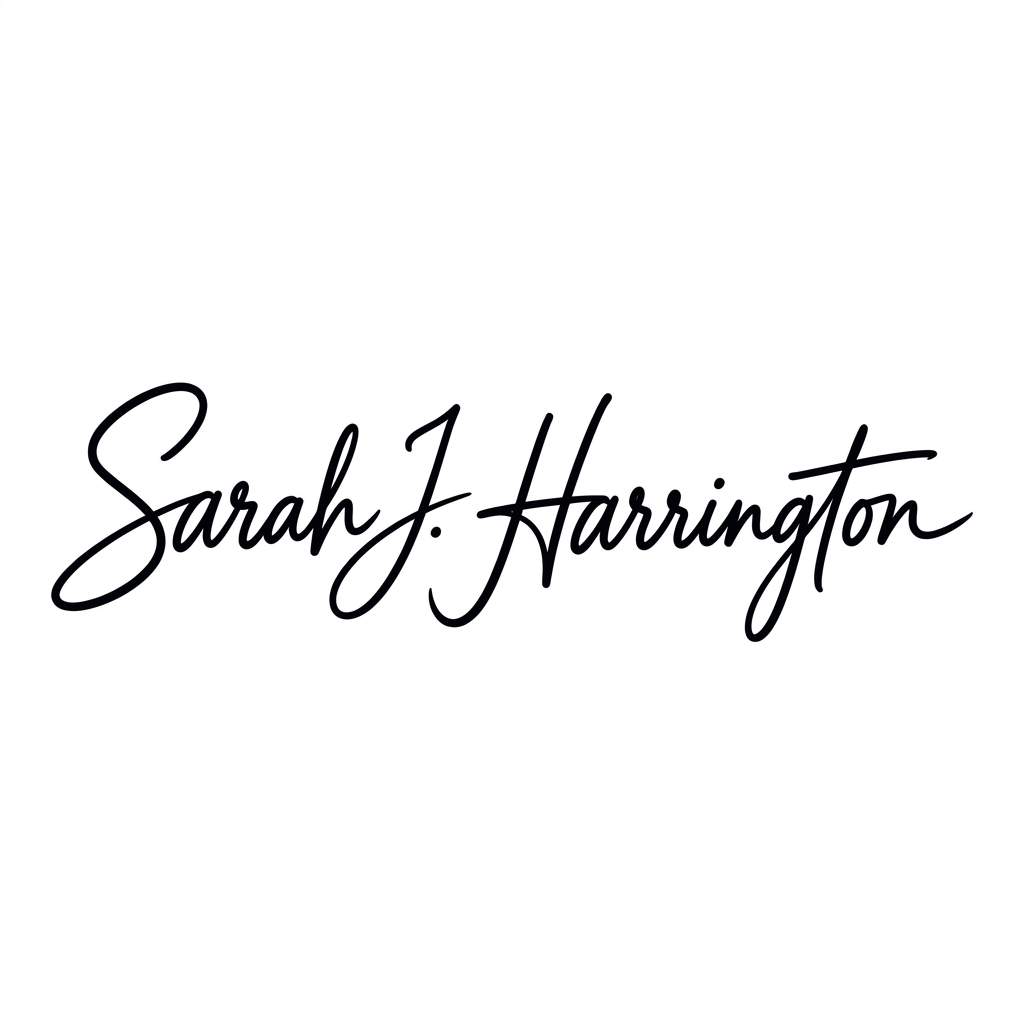
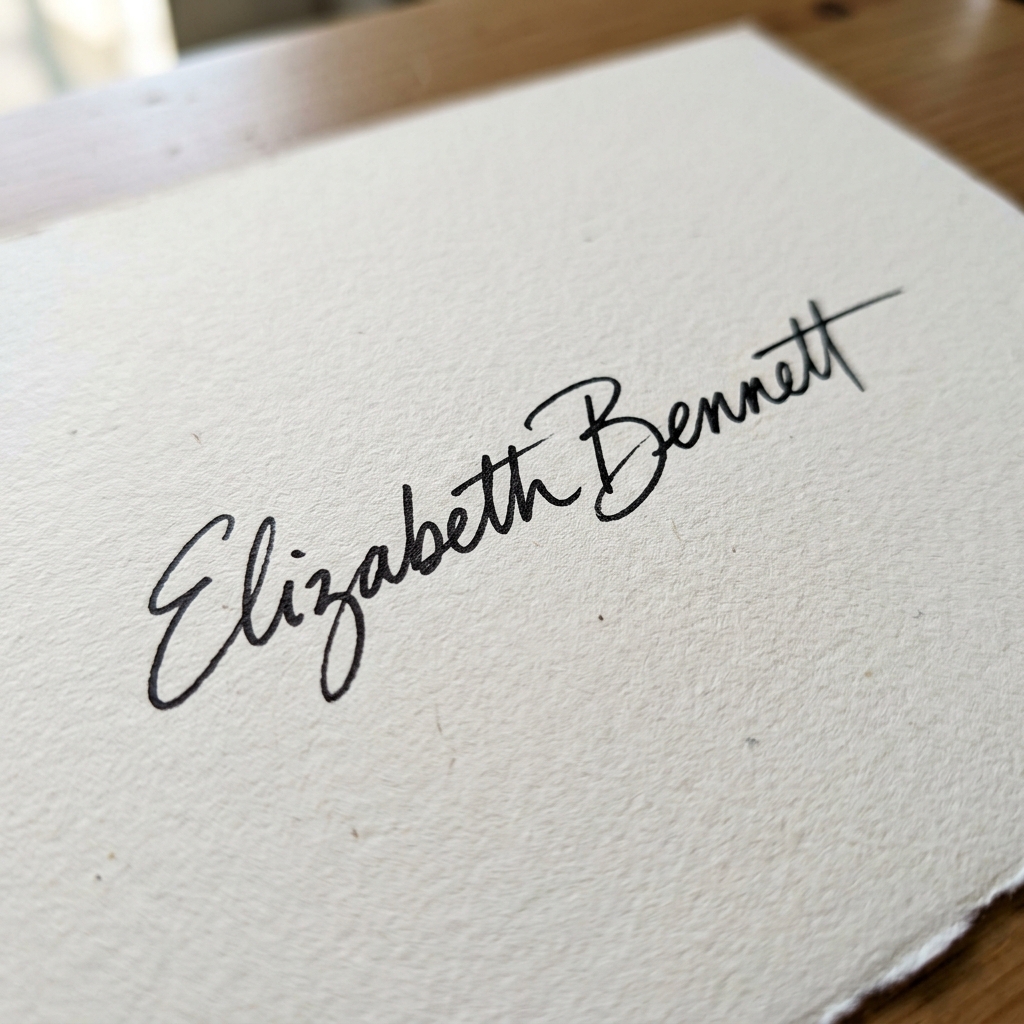
Drag the slider to compare raw phone photo vs contrast-boosted 10-20 KB signature
Built for Indian form and exam uploads
Use one simple flow to crop, resize, compress and export a readable signature for common Indian application forms.
KB, CM and PX Support
Resize by file size, print-style cm/mm guidance, or exact pixel width and height.
Form-Ready Output
Crop background, keep ink readable and export JPG/JPEG for common online form uploads.
Clear Options
Choose a normal resize, strict KB range, cm size, pixel size or exam-specific helper without guessing.
Match your form rule to the right signature setting
Check the instruction written on your form, then choose the option that matches its KB, cm or pixel requirement.
| Form requirement | Best option | What to check |
|---|---|---|
| I need general signature resizing | Signature Resize Online | Resize by KB, cm, pixels, format and background from one place. |
| My form says 10KB to 20KB | 10KB to 20KB Signature | Prepare a JPG/JPEG signature inside the stricter 10KB to 20KB range. |
| My form allows up to 50KB | 10KB to 50KB Signature | Keep the signature clearer when the form allows a bigger file size. |
| My form gives size in cm or mm | Signature Size in CM | Understand sizes like 4cm x 2cm, 5cm x 2cm and 6cm x 2cm before export. |
| My form gives width and height in pixels | Signature Size in PX | Set exact pixel sizes such as 140x60 px, 400x200 px or 350x350 px. |
| I am filling an SSC form | SSC Signature Resizer | Use SSC-style size checks and upload guidance. |
| I am filling an IBPS or banking form | IBPS Signature Resizer | Prepare a running signature for common banking-form upload checks. |
| I am filling a UPSC form | UPSC Signature Resizer | Check the current UPSC instructions and prepare the signature accordingly. |
| I need both photo and signature | Photo and Signature Resizer | Prepare applicant photo and signature together for one form workflow. |
| Use case | Dimension | KB limit | Important check |
|---|---|---|---|
| Generic signature resize | Custom width and height in px, cm or mm | Custom target KB (10-20KB, 50KB) | Clean white paper, readable ink |
| India Post GDS Recruitment | 140 x 60 px (approx 4.0 x 2.0 cm) | 10 KB - 20 KB strictly | Clear black or dark blue ink, clean white background |
| SSC CGL / CHSL / GD / MTS | 140 x 60 px (approx 4.0 x 2.0 cm) | 10 KB - 20 KB strictly | Black ink on plain white paper, full signature |
| IBPS / SBI Bank PO & Clerk | 140 x 60 px (10-20 KB) | 10 KB - 20 KB strictly | Running handwriting, avoid capital block letters |
| UPSC Civil Services / NDA / CDS | 350 x 350 px (Square crop) | 20 KB - 50 KB (Must be at least 20 KB) | Black ink, clear contrast, strictly min 20 KB |
| NSDL / UTI PAN Card | 2.0 x 4.5 cm (horizontal crop) | 10 KB - 20 KB | Dark black ink, clear scanned crop |
| Driving License (Sarathi Parivahan) | 200 x 100 px or proportional | 10 KB - 20 KB | Clear white paper, no shadows or creases |
Portal requirements can change. Use this page for preparation, then confirm the latest KB, width, height and format on the official application page before final upload.
Safe signature resizing for form work
A signature is personal. The tool is designed to process files in your browser when supported, and the page never asks for OTP, password, application number or government portal login details.
- Your signature image is prepared in the browser when supported.
- No OTP, password, application number or government login details are required.
- Always verify the final file on the official portal before submitting the form.
Tips for taking a clear signature photo from your phone
A better original image gives a better resized result, especially when the final KB limit is small.
Plain paper
Sign on clean white unruled paper. Avoid notebook lines, colored paper and shadows.
Dark ink
Use black or dark blue ink only when your form allows it. Many exam forms prefer black ink.
Tight crop
Remove extra white area around the signature before reducing file size.
Check clarity
Open the downloaded JPG and confirm the signature is readable before upload.
Frequently Asked Questions
Simple answers for signature resize, KB size, cm size, pixel size and JPG format issues.
What does signature resize mean?
Signature resize means changing a signature image so it matches an online form requirement. That can include reducing the file size in KB, changing width and height in pixels, converting cm/mm size to pixels, cropping extra white space, cleaning the background, or exporting the result as JPG/JPEG.
Why does the form say signature size should be at least 20kb?
Some recruitment portals such as UPSC enforce a minimum file size threshold (e.g., minimum 20 KB and maximum 50 KB) to ensure signatures remain sharp when printed on admit cards. If your signature is under 20 KB (for example 8 KB or 15 KB), increase the output quality slider or resolution in the tool so the file size falls safely within the 20 KB to 50 KB bracket.
How do I resize signature to 10 to 20 KB for SSC and IBPS?
Upload your signature photo, crop the signature closely to remove excess borders, select the 10-20 KB preset or adjust the target KB slider between 12 KB and 18 KB, and download the JPG. This keeps the signature strictly within the portal limit without getting rejected.
How do I resize signature for India Post GDS recruitment?
For India Post GDS (Gramin Dak Sevak) application forms, the signature image must typically be in JPG or JPEG format with a file size between 10 KB and 20 KB and dimensions of approximately 140 x 60 pixels. Use our signature resizer tool to crop and compress your signature photo within this range before uploading.
Which signature resize option should I use?
Start with the rule shown on your form. Use the main Signature Resize page for normal resizing by KB, cm, pixels, format and background. Use the 10KB to 20KB, 10KB to 50KB, cm-size or pixel-size pages only when your form clearly asks for that exact requirement.
How do I resize signature online?
Upload your signature image, crop the extra blank space, choose a preset or enter custom width and height, set the target KB if required, choose JPG/JPEG output, preview the result, then download the final signature file. Check your form instructions before final upload.
How do I resize signature in KB?
To resize a signature in KB, upload the image and set a target such as 20KB, 35KB or 50KB. The tool compresses the image while keeping the ink readable. If your form specifically asks for 10KB to 20KB or 10KB to 50KB, use the dedicated KB-range page for that exact limit.
How do I resize signature width and height in cm?
Centimeter values are print measurements. Online forms usually validate pixels and KB size. Use the dedicated Signature Resize Width and Height in CM page to understand common values such as 4cm x 2cm, 5cm x 2cm and 6cm x 2cm, then generate the final JPG from the tool.
How do I resize signature width and height in px?
Pixel resizing means setting the exact digital width and height such as 140 x 60 px, 200 x 100 px, 400 x 200 px or 350 x 350 px. Use the pixel-focused page when your form shows width and height in px instead of cm or mm.
Should I use JPG or PNG for signature upload?
Use JPG/JPEG when the portal does not clearly allow other formats. Many Indian exam, job, banking and government portals ask for JPG/JPEG signature images. PNG can be useful for editing, but it may be rejected if the portal accepts only JPG/JPEG.
Why does my signature upload get rejected?
Common reasons are wrong KB size, wrong pixel dimensions, too much blank space around the signature, unclear ink, grey paper background, unsupported format, or mismatch with the latest portal instructions. Fix the exact error shown by the portal instead of resizing randomly.
Is signature resize safe on Photocopywala?
The tool is designed to process the signature in your browser when supported. You do not need to enter OTP, password, application number or government login details. For sensitive work, avoid shared computers and always verify the downloaded file before upload.
Does this tool promise form approval?
No online tool can promise approval because each portal can change its own validation rules. Photocopywala helps you prepare the signature according to the values you select, but the final acceptance depends on the current official portal or form instruction.
Conversion Step
Need help preparing this file?
If your photo, signature, PDF, or document is still not accepted on a portal, contact us. We can help prepare the final file online.
We do not ask for OTP, passwords, Aadhaar login, MPOnline login or any government portal credentials.