
Smart Document Scanner (Free Online Scanner)
Scan paper documents, notes, receipts, and identity cards using your browser camera. Features 4-point perspective corner flattening, B&W filters.
Scan Documents & ID Cards Online Free
Open your camera or upload photo files, crop document corners, apply magic enhancement filters, and download printable A4 PDFs.
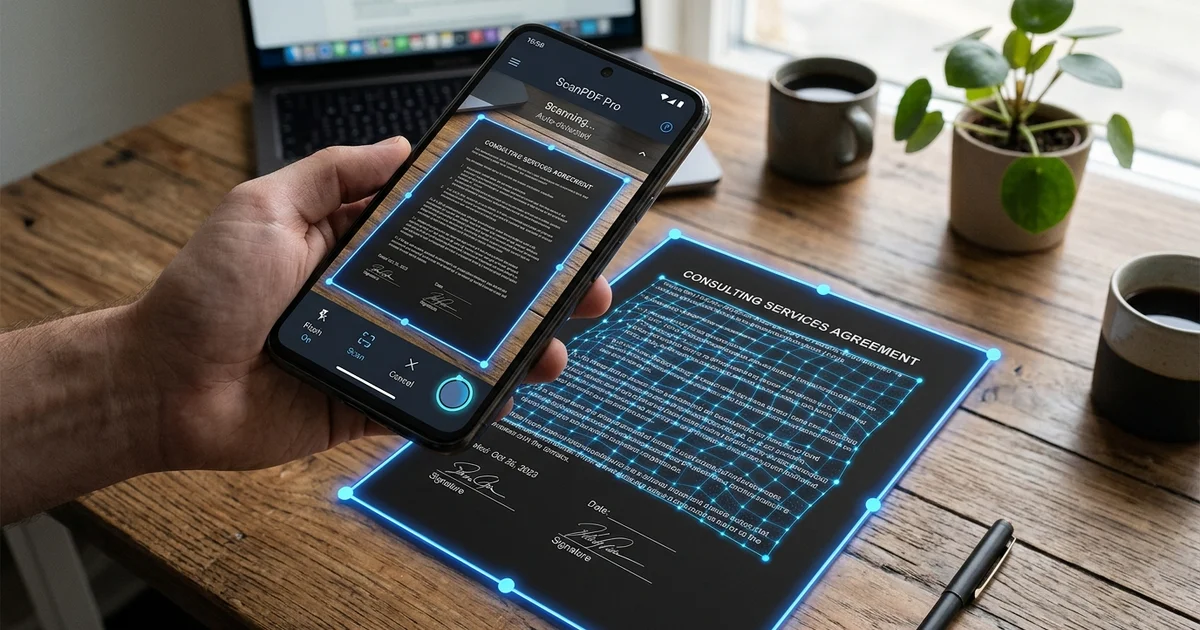
Interactive Perspective Crop
Drag 4 corner points to transform angled camera shots into flat rectangular pages.
Enhancement Filters
Apply Magic Color, High Contrast B&W, or Grayscale filters for crisp document legibility.
A4 & ID Card Scanning Modes
Dedicated workflows for multi-page paper documents and front-back identity cards.
How to scan documents using mobile camera
Step 1 - Capture or Upload Document
Use your device camera or select a photo of your paper document, bill, or ID card.
Step 2 - Adjust Perspective Corners & Filters
Drag the 4 crop corner handles to flatten angled shots and select B&W, Grayscale, or Color filter.
Step 3 - Download Clean A4 PDF
Click Export to download a high-resolution, print-ready PDF file instantly.
Document & Scanner Formats
| Scan Mode Template | Page Dimensions | Export File Type | Primary Application |
|---|---|---|---|
| A4 Single / Multi-Page Document | 210 x 297 mm (Standard A4) | Printable PDF / JPG | Office Forms, Contracts & Notes |
| ID Card Both-Sides Layout | CR80 / A4 Combined Sheet | 300 DPI PDF | Aadhaar, Voter ID & Driving License |
Place documents on a dark or contrasting table background for faster edge detection.
Frequently Asked Questions
How do I scan paper documents into clean PDF using phone camera?
Open Smart Document Scanner on your mobile or desktop browser, take a photo or upload a document picture, adjust the 4 corner points for perspective correction, apply B&W or Magic Color filters, and click Export PDF.
Is this online document scanner a free CamScanner alternative?
Yes! Photocopywala Smart Document Scanner is 100% free, requires zero app installation, leaves zero watermark stamps, and processes everything privately inside your web browser.
How does the perspective crop feature fix angled photos?
Our interactive perspective corner cropper straightens tilted, angled, or bent camera snapshots into perfectly flat rectangular A4 pages automatically.
Can I scan both front and back of an ID card onto one single page?
Yes! Switch to ID Card Mode to scan the front side and back side of Aadhaar, Voter ID, DL, or Student ID cards, and align them side-by-side on a printable A4 PDF.
Are my scanned document photos uploaded to external cloud servers?
No. All image processing, edge detection, perspective transformation, and PDF compilation run 100% locally inside your web browser. Your confidential personal documents never leave your device.
Is there any daily limit or watermark on the exported PDF?
No. All exports are 300 DPI high-resolution, clean, and 100% watermark-free with zero daily usage caps.