
Quick answer
Crop the photo first, then compress it to the exact KB limit.
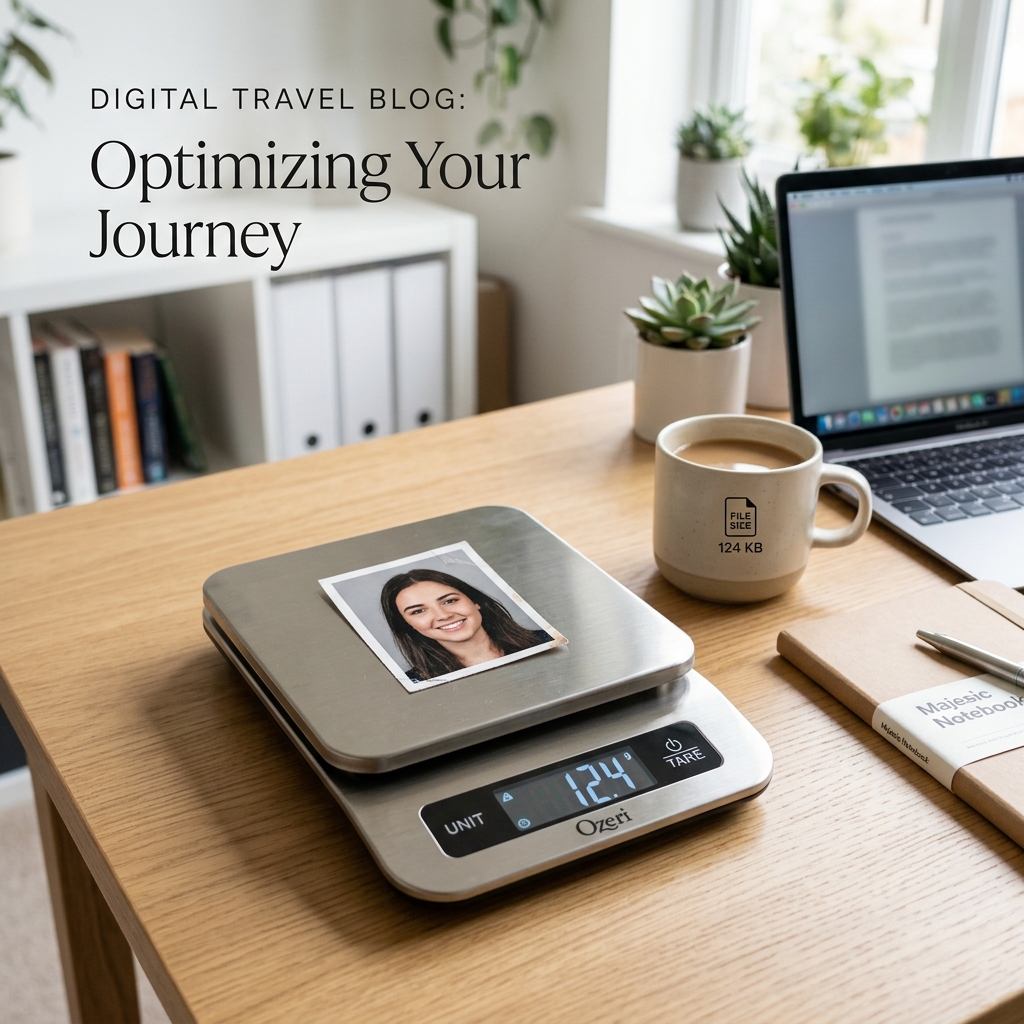
Don't try to compress a large 5MB camera photo directly to 20KB. First, crop out the background to make a small 35x45mm image. If it's still too big, use our Document Resizer to hit the exact 20KB or 50KB limit instantly.
Why Do Forms Have a KB Limit?
When you apply for a job, exam, or government document online, the server has to store millions of application files. To keep the website running fast and save storage costs, portals impose strict file size limits-usually requiring the passport photo to be under 50KB.
Since a modern smartphone photo can easily be 3000KB (3MB) or more, you must compress the image before the form will accept it.
The 2-Step Process to Fix File Size
Trying to compress a full-body photo down to 20KB will result in a completely blurry mess. You must crop the photo first.
Step 1: Create the Passport Crop
Use the Passport Size Photo Maker to cut away the background and focus only on your face and shoulders. Simply changing the crop from a large photo to a small 35x45mm square often reduces the file size by 80%.
Step 2: Compress to Target KB
If the cropped photo is still above the limit (e.g. 150KB), pass it through the Document Photo Resizer. This tool lets you explicitly select a "Target File Size" like 50KB. It will automatically adjust the image compression to meet that exact requirement while keeping your face readable.
Common Indian Portal Limits
- UPSC / SSC Exams: Typically 20KB to 50KB
- PAN Card Application: Max 50KB (Resolution 213x213 px)
- Aadhaar: photo is normally captured at the enrolment/update centre; use a separate file only if a paper workflow asks for it
- State Government Jobs: Varies, often 10KB to 40KB
Need to compress your photo now?
Use our free resizer tool. Just upload your existing passport photo, select your target KB limit, and download the compressed file instantly.
Compress Photo to KBFrequently Asked Questions
How to make a passport size photo 20kb or 50kb?
First, create your passport size photo using the Photocopywala Passport Photo Maker. Then, use the Document Photo Resizer tool to compress the file size. You can select the 20KB or 50KB target option to automatically reduce the file size without ruining the image quality.
What is the standard KB size for a passport photo?
Many Indian government and exam portals ask for a passport-style photo under a specific KB limit such as 20KB, 50KB or 100KB. The exact limit changes by portal, so check the current instruction before upload.
Why does my passport photo have a high KB size?
High-resolution cameras on modern smartphones capture a lot of detail, resulting in file sizes of 2MB to 5MB. Even when cropped to passport dimensions, the file might remain above 200KB unless it is specifically compressed for web uploads.
Can I reduce passport photo KB without losing quality?
Yes. A passport photo meant for a small online form doesn't need 12-megapixel resolution. By resizing the physical pixels to the required dimensions (e.g., 350x450 px) and using standard JPEG compression, you can easily reach 20KB-50KB while keeping the face perfectly clear.
How do I check the KB size of my passport photo?
On a computer, right-click the image and select 'Properties' (Windows) or 'Get Info' (Mac) to see the size. On mobile, open the image in your gallery app and tap the 'Details' or 'i' button to view the file size.
Why is my passport photo rejected even though the KB size is correct?
Government portals check multiple technical constraints beyond file size. Rejections often occur due to: 1. Non-JPG format (e.g. uploading a .png or .webp). 2. Wrong aspect ratio (not 3.5:4.5). 3. Special characters or spaces in the file name (use simple names like 'photo.jpg'). 4. Image saved in CMYK color mode instead of standard RGB/sRGB.
Should I upload a passport photo in JPG or PNG for online forms?
JPG or JPEG is the safest format for most Indian government and exam portals, but the final rule is whatever the current portal instruction says. Use PNG or PDF only when the form specifically asks for it.
How do I resize a passport photo and reduce KB at the same time?
Use Photocopywala's Document Photo Resizer. It sets your exact pixel dimensions (413×531 px at 300 DPI) and dynamically calculates JPEG compression so the file hits your exact target limit (e.g. 20 KB-50 KB) in one single click.
Written by
Shrikant Yadav
Website Developer, Photocopywala
Shrikant Yadav writes practical Photocopywala guides for photo tools, PDF tools, document preparation, printable resources, government-link safety and online form help for Indian students, job seekers, shop owners and everyday users.