
Image Perspective Correction Online Free
Fix image perspective online and turn tilted, angled or skewed photos into clean, straight rectangular images. Straighten photographed documents, receipts, certificates and pages directly in your browser.
Open Image Perspective Correction Workspace
Drag corner pins, straighten distorted document photos, and download clean rectangular results.
Quick answer
Straighten Document Photos & Fix Skew Online
Phone photos of documents are often taken at a slight angle instead of flat from above. Perspective correction solves this without complicated graphics software.
Common Camera Distortion Problems
- Trapezoid effect: Top of the page looks narrower while the bottom looks wider.
- Slanted margins: Document edges angle outward instead of running straight 90 degrees.
- Uneven text lines: Sentences slope upwards or downwards across the page.
- Background desk clutter: Unwanted tables, fingers, or shadows surrounding the sheet.
How Perspective Correction Solves It
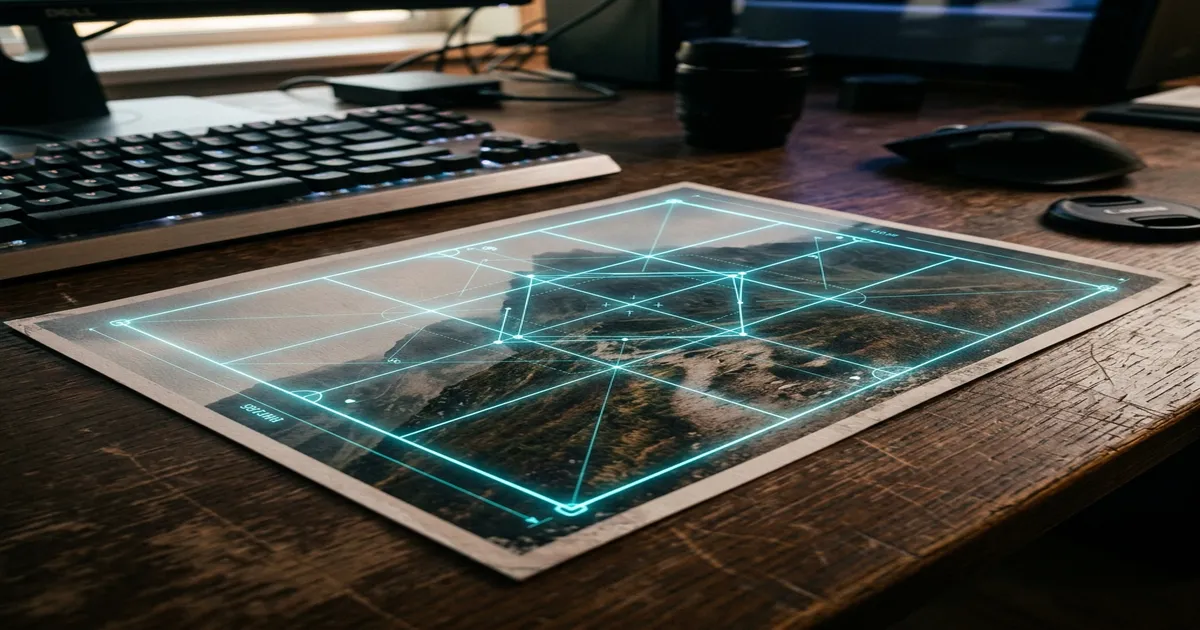
A perspective correction tool maps the 4 physical corners of the paper object and applies a projective mathematical transform.
By recalculating pixel positions, it produces a clean, rectangular, front-facing document as if it was scanned with a flatbed scanner.
How to Correct Image Perspective Online
Follow this simple 7-step process to transform angled photos into straight rectangular files.
Upload the Image
Upload the photographed document, certificate, bill or book page you want to straighten.
Locate Four Corners
Identify the four visible physical corners of the paper document or rectangular object.
Position Corner Pins
Drag each corner marker precisely onto the corresponding edge of the document.
Preview Perspective
Inspect the real-time perspective correction preview to ensure edges are parallel and text is readable.
Fine-tune Corner Points
Nudge individual corner points if any corner looks slightly slanted or cropped.
Crop or Refine Result
Choose auto-crop to remove outer background remnants or keep full uncropped margins.
Download Straight Image
Save the corrected rectangular image as high-resolution JPG or PNG for printing or PDF conversion.
Perspective Correction vs Rotation vs Cropping
Understand which tool to choose based on the type of image distortion you need to fix.
Perspective Correction vs Image Cropper
An Image Cropper only cuts away unwanted outer margins of a rectangle. It cannot change the angles of the inner contents.
Perspective Correction transforms the internal geometry so an angled trapezoid becomes a true 90-degree rectangle. Use Cropper when the image is already straight; use Perspective Correction when the camera was angled.
Perspective Correction vs Rotate Image
Rotate turns the entire picture by 90, 180, or 270 degrees. All edges remain parallel to one another.
If all four sides are rectangular but sideways, simply rotate. If one side is shorter or edges are keystoned like a trapezoid, perspective correction is required.
Common Use Cases for Document Perspective Correction
Ideal for students, cyber cafes, job applicants, and small offices digitizing physical papers.
Certificates & Mark Sheets
Straighten photographed educational marksheets, degree certificates or domicile papers before uploading to job or admission portals.
Receipts & Shop Bills
Correct angled receipt photos so transaction numbers, dates and item totals appear cleanly aligned for accounting and GST filing.
Application Forms
Fix physical printed forms photographed from a counter desk before converting them into upload-ready PDF files.
Notebook & Book Pages
Straighten assignment pages or book extracts photographed with a handheld phone camera for easy reading and archiving.
ID Cards & Badges
Correct perspective distortion when an ID card, driving licence or membership badge was photographed on a desk at an angle.
Tips for Best Perspective Correction Results
Simple photography habits that make document straightening faster and sharper.
- ✓Use the highest-resolution original photo available for crisp, legible text.
- ✓Ensure all four physical document corners are in view without being covered by fingers.
- ✓Place each corner marker directly on the page boundary for accurate aspect-ratio restoration.
- ✓Avoid extreme oblique angles (greater than 60 degrees) where document text becomes heavily blurred.
- ✓Check text readability in the live preview before downloading the final file.
Zero Server Uploads & Private Document Processing
Documents, certificates, and ID papers often contain sensitive personal information.
Photocopy Wala processes your images directly inside your web browser using client-side Canvas and mathematical projective algorithms.
Your original photographs and corrected outputs are never uploaded or stored on remote servers, ensuring complete confidentiality for student marksheets, bank receipts, and identity documents.
Frequently Asked Questions
Common questions about image perspective correction, supported formats and mobile usage.
What is image perspective correction?
Image perspective correction fixes geometric distortion caused when a photo is taken from an angle. It transforms a trapezoid-shaped document or object into a straighter, front-facing rectangular view.
How do I fix image perspective online?
Upload your photo, drag the four corner pins to match the four visible corners of the document, preview the projective correction, and download the straightened rectangular image.
Can I straighten a photographed document?
Yes. If all four corners of the page are visible, perspective correction recalculates the pixel geometry to make an angled document appear as if it was scanned flat from directly above.
Can I fix a skewed document photo?
Yes. Perspective correction is especially designed for pages that look wider at the bottom or slanted along the edges because the smartphone camera was tilted.
Is perspective correction the same as rotation?
No. Rotation turns the whole rectangular image 90, 180, or arbitrary degrees. Perspective correction alters the internal projective geometry so uneven trapezoidal edges become parallel 90-degree corners.
Can I use this for scanned documents?
Yes. It helps correct crooked scans or bound book photographs with uneven margins before you convert them into a final PDF or print layout.
Can I use the tool on mobile?
Yes. The tool runs directly in modern mobile browsers (Chrome, Safari, Firefox). You can snap a photo with your phone camera, mark the four corners with your fingertip, and export a clean rectangular result.
Is image perspective correction free?
Yes. Photocopy Wala provides the Image Perspective Correction tool 100% free with browser-based processing, zero server uploads, and no sign-up or watermarks.
Fix Your Image Perspective Now
Upload an angled document or skewed photo, drag the 4 corner pins, and export a clean, straight rectangular result in seconds.