
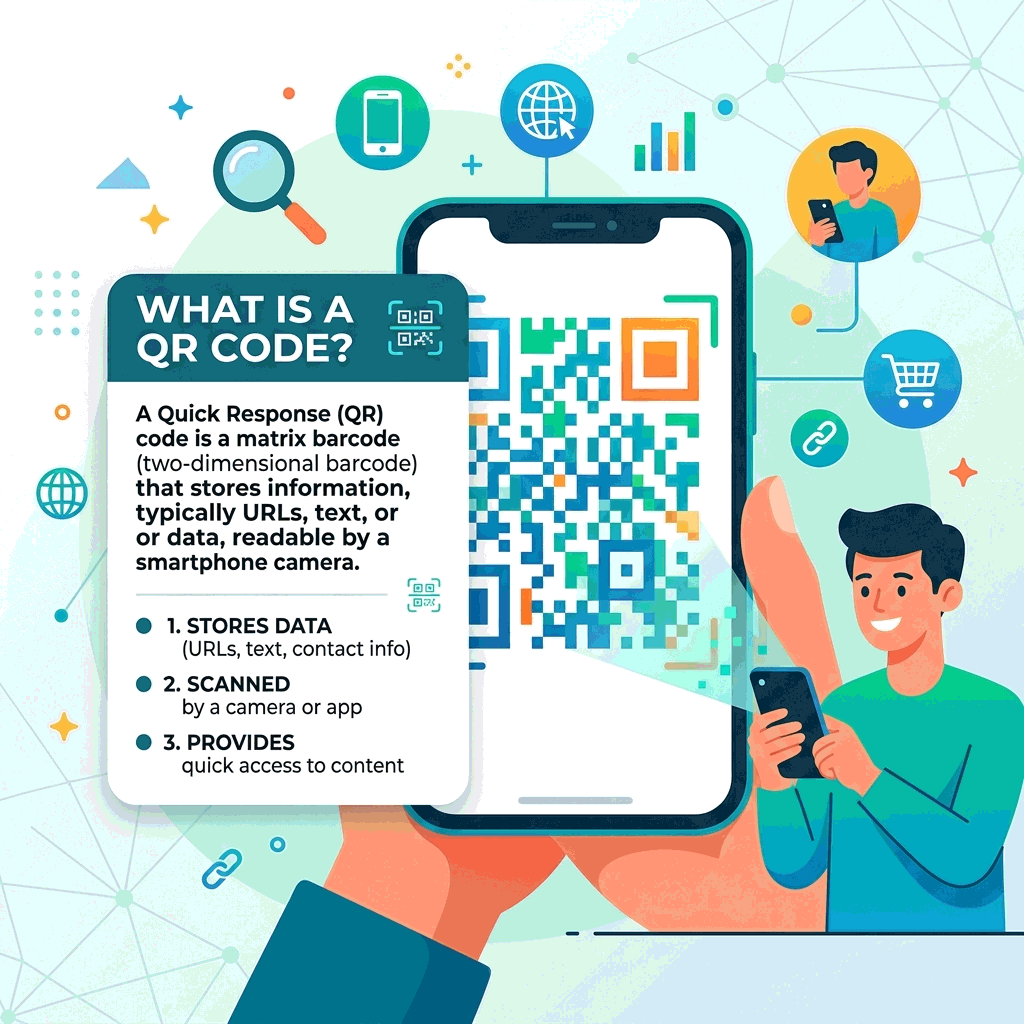
Quick answer
Key takeaways
- QR codes store data in a square grid of black and white modules.
- Any smartphone camera can read a QR code instantly without typing.
- They are used for links, Wi‑Fi logins, contact cards, payments, and more.
Definition
A QR (Quick Response) code is a type of barcode invented in 1994 by the Japanese company Denso Wave. Unlike a traditional linear barcode, a QR code stores data in a two‑dimensional square grid, allowing it to hold much more information - a full URL, Wi‑Fi credentials, a contact card, or plain text - in a small printed space. This makes QR codes ideal for quickly sharing digital information in the physical world.
A brief history
Initially created for tracking automotive parts, QR codes quickly spread to consumer applications after smartphones added native camera‑based scanning. By the early 2010s they were used for marketing, ticketing, and restaurant menus, and today they appear on everything from product packaging to advertising billboards.
Solve it now
Use the free QR Code Maker tool
The guide explains the problem. The tool helps you prepare the actual file online.
Create your QR code nowHow it works
When a camera or QR scanner sees the three large finder patterns in the corners, it determines the code’s orientation and reads the modules (black/white squares). The data is encoded using Reed‑Solomon error‑correction, so even if part of the code is damaged, covered by a logo, or printed at low resolution, the scanner can reconstruct the missing bits. This robustness enables QR codes to be printed on small receipts or large outdoor posters while remaining readable.
Common use cases in India
• Shop counters: display a QR that opens a WhatsApp chat or payment link. • Event tickets: embed a QR that verifies entry without manual checks. • Wi‑Fi access: let customers scan to join a network instantly. • Government forms: provide a QR linking to a PDF or portal, reducing paper usage.
Privacy and security
Because QR codes are just data containers, they do not execute code on the device. However, the embedded URL can lead to malicious sites, so users should scan with a trusted app that shows the destination before opening it. Our QR Code Maker generates codes entirely client‑side, meaning no data ever leaves your browser, which is especially important for sensitive information such as Wi‑Fi passwords.
Practical checklist before you finish
Before you download or upload the final file, check the details that usually create rejection or rework: readability, file format, file size, spelling, page order and the exact instruction written on the form or portal.
For this task, use QR Code Maker as a preparation step, not as a replacement for the official requirement. If a school, office, employer, bank or government portal gives a size, format or document rule, follow that rule first and then use the tool to prepare the file.
- Open the downloaded file once and confirm it is not blank, cropped wrongly or unreadable.
- Use a clear file name so you can identify it later during upload or printing.
- Keep the original file until your submission, printout or sharing task is complete.
- Do not add private pages or unnecessary details when only selected information is required.
The most useful parts of this guide are Definition, A brief history, How it works. Read those sections carefully if you are preparing a file for an online form, local photocopy counter, office record or student document work.
Frequently Asked Questions People Search For
Read next
Related blog posts
These guides support the same document, photo, PDF or online-form workflow, so readers can solve the next step without returning to search.
How to Calculate Days Between Dates Online for Forms and Deadlines
Learn how to calculate days between dates, add days, subtract days and count working days for forms, exams, deadlines and office work.
Utility ToolsHow to Calculate GST Online for Bills and Invoices
Learn how to calculate GST online for bills and invoices. Add GST, remove GST, split CGST/SGST or IGST and understand taxable value.
Utility ToolsHow to Calculate Loan EMI Online for Home, Car and Personal Loan
Learn how to calculate loan EMI online for home loan, car loan, personal loan, education loan and business loan with interest and repayment schedule.
Utility ToolsHow to Calculate Percentage Online for Marks, Discount, GST and Profit
Learn how to calculate percentage online for student marks, discount, GST-style amount, reverse percentage, profit/loss, price change and daily shop work.
Written by
Shrikant Yadav
Website Developer, Photocopywala
Shrikant Yadav writes practical Photocopywala guides for photo tools, PDF tools, document preparation, printable resources, government-link safety and online form help for Indian students, job seekers, shop owners and everyday users.
Solve it now
Use the free QR Code Maker tool
The guide explains the problem. The tool helps you prepare the actual file online.
Create your QR code now