
IBPS Signature Resizer
Prepare your signature for IBPS banking form instructions such as 140x60 pixels and 10KB-20KB when those values are shown by the portal.
IBPS Signature Resizer
Upload your signature photo, apply a 140x60px style preset when required, and download a clean upload-ready image. Processing is designed to happen in your browser when supported.
Resize IBPS Signature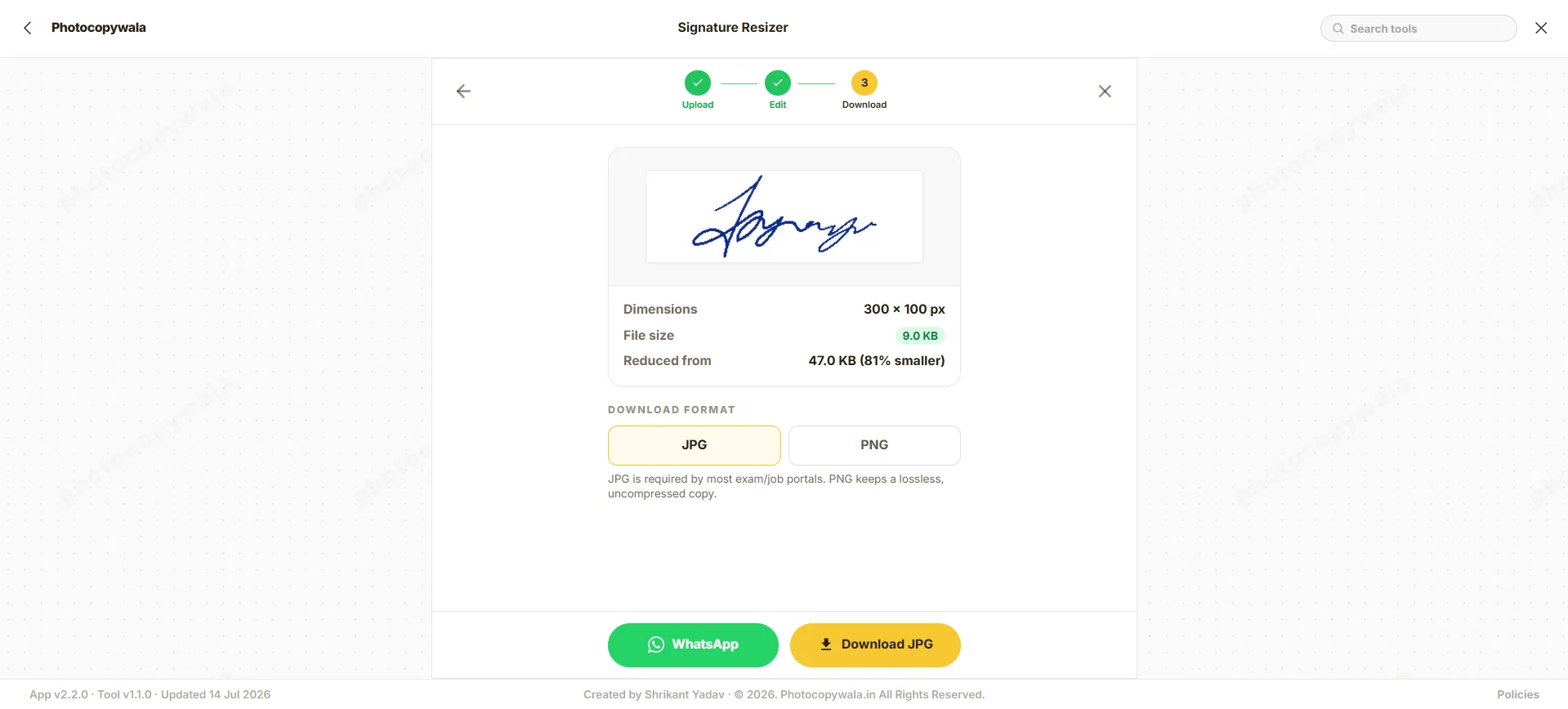
Quick answer
Most online job and exam applications automatically reject signatures that exceed the KB limit or have wrong dimensions. Resizing helps match the file to the portal instruction and can reduce avoidable upload rejection.
This tool runs directly in your web browser, helping keep your signature private when browser-based processing is supported.
Why use this resizer?
We built this to perfectly match IBPS PO, Clerk, and RRB requirements.
IBPS-style Dimensions
Use 140x60 pixels when the portal asks for that signature size.
Targeted Compression
Helps keep the file inside a 10KB to 20KB style range when required.
Browser Workflow
Designed for in-browser resizing when supported.
How to resize signature for IBPS
Use this tool when your signature image needs to match IBPS's specific 10-20KB limit.
Step 1 - Upload signature
Upload your signature photo or scanned image. Use bright lighting when taking the photo.
Step 2 - Apply IBPS preset
The tool automatically sets the required 140x60 px dimensions and a 10-20KB target size.
Step 3 - Download
Generate and download the resized signature. Verify it is clearly readable before uploading.
Safe & secure conversions
Security is vital when dealing with signatures. The tool is designed to process images locally inside your browser when supported and does not ask for login details.
- Browser workflow: image processing is designed to happen locally when supported.
- No Data Retention: We do not store, view, or save your documents in any form.
- No Login Needed: You can safely resize without creating an account or providing email.
Signature resizing tips
Important notes before downloading your signature.
No Capital Letters
Avoid all CAPITAL/block-letter signatures if the current IBPS instruction says running signatures only.
Black Ink Required
Use a dark black gel or ink pen on plain white paper for the best contrast.
Crop Before Resize
Crop extra white space around the signature before uploading to get a clean resize.
Correct Format
Ensure the signature is in JPG/JPEG format; most portals reject PNG or PDF files.
Frequently Asked Questions
Everything you need to know about IBPS signature requirements.
What signature size is commonly used for IBPS forms?
For IBPS (PO, Clerk, RRB), the scanned signature image must be between 10KB and 20KB in JPG/JPEG format. The dimensions should be 140×60 pixels. The signature must be in black ink on white paper and should NOT be in capital letters.
How do I resize a signature to 10KB - 20KB for IBPS?
To resize your signature: (1) Upload your signature photo to this resizer. (2) The 140x60 px and 10-20KB preset will be automatically applied. (3) Adjust your format to JPG. (4) Download the resized file.
Why is my signature upload rejected by the IBPS portal?
Rejections usually happen because: (1) File size is above 20KB; (2) Wrong format (only JPG/JPEG accepted); (3) Signature is in CAPITAL letters; (4) The signature was signed with a blue pen when black was required. Ensure your signature is in running handwriting with a black pen on plain white paper.
What are the official IBPS PO / Clerk signature upload dimensions?
IBPS-style banking forms commonly mention a wide signature image around 140 × 60 pixels in JPG/JPEG format with a small KB range such as 10 KB to 20 KB. Always follow the current IBPS notification or upload page.
What ink color is mandatory for IBPS signature uploads?
Many banking form instructions prefer a running signature in black ink on white unruled paper. Avoid pencil, blur and unclear strokes unless the current portal says otherwise.
Are capital / block letter signatures permitted in IBPS forms?
Banking forms often warn against signatures in capital or block letters. Use your normal running signature unless the current form instruction says otherwise.
Conversion Step
Need help preparing this file?
If your photo, signature, PDF, or document is still not accepted on a portal, contact us. We can help prepare the final file online.
We do not ask for OTP, passwords, Aadhaar login, MPOnline login or any government portal credentials.