
Signature Resizer Mobile
Upload your signature straight from your phone, crop it, and compress it to exact KB sizes required for online forms. Free, no app, no signup.
Mobile Signature Resizer
This tool works completely in your phone browser. Upload your signature photo from your gallery, crop it using touch gestures, clean up the background, and download the final file - without installing any app.
Resize on Mobile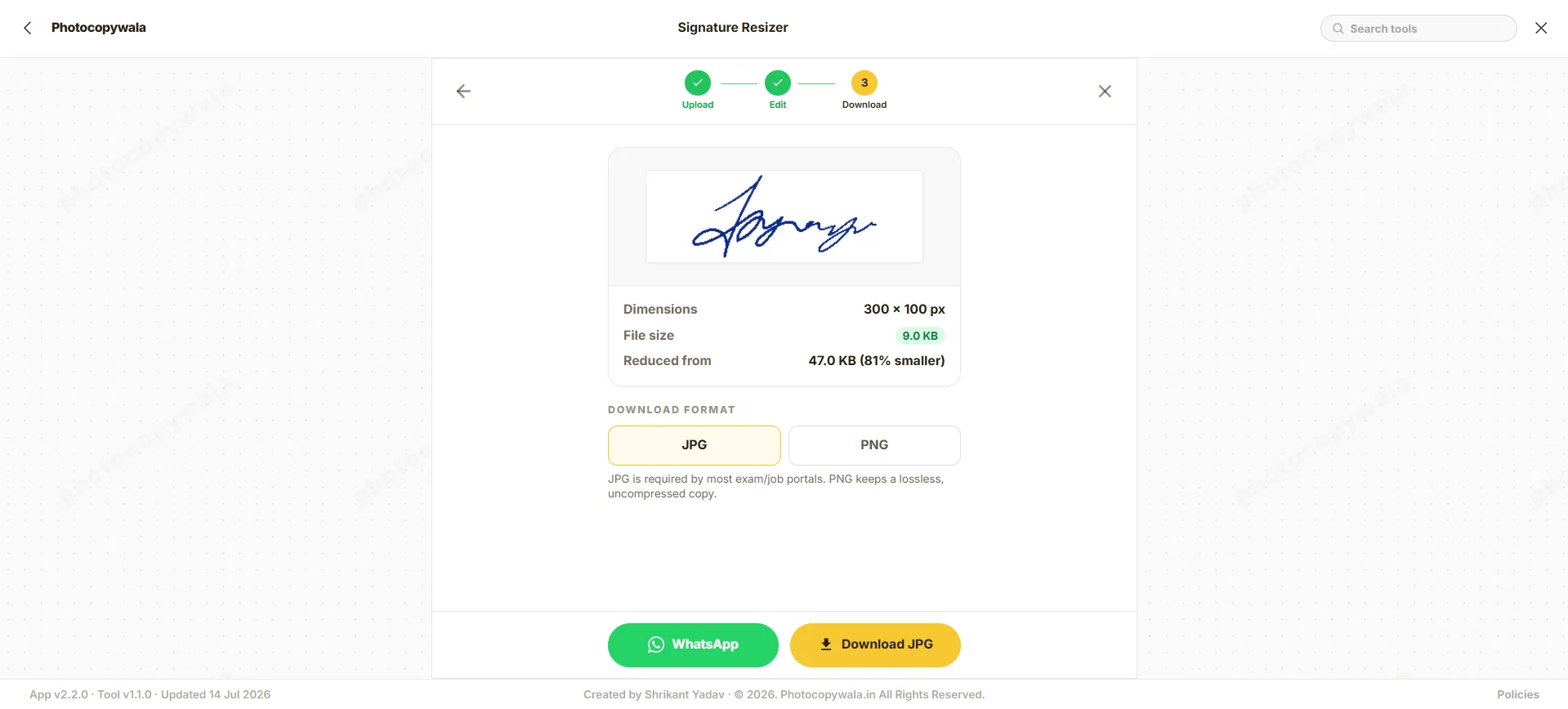
Quick answer
Most applicants take a photo of their signature with their phone. Instead of transferring it to a PC, you can instantly crop and compress it right here.
If your paper was gray or shadowed, the tool helps you clean it up for official acceptance without any extra software.
Why resize on your phone?
Everything you need to prepare official signatures is built directly into the web browser.
Direct Uploads
Upload straight from your camera roll or take a new photo instantly.
Touch Friendly
Use simple pinch-to-zoom gestures to frame your signature.
Offline Privacy
Designed for private browser-based resizing after loading.
How to resize signature on mobile
Use this mobile tool to quickly prepare your signature for SSC, UPSC, or banking exams.
Step 1 - Take Photo
Take a clear photo of your signature on white paper using your phone's camera, then tap Upload.
Step 2 - Crop and Edit
Use two fingers to pinch and zoom, framing the signature tightly inside the crop box. Turn gray paper into pure white if needed.
Step 3 - Download
Choose a size preset and download the resized JPG directly to your phone's gallery.
Safe & secure conversions
Security is vital when dealing with official signatures. This tool processes your images locally inside your web browser using the Canvas API. No document is sent to any external server.
- No Server Uploads: Your images never leave your device. All processing happens locally in your web browser.
- No Data Retention: We do not store, view, or save your documents in any form.
- No App Installation: No permissions required, protecting your phone's privacy.
Mobile signature tips
For the best results when photographing your signature.
Use Black Ink
Always sign with a black pen; blue ink is often rejected by portals.
Plain White Paper
Sign on plain white paper without lines.
Good Lighting
Ensure you are in a well-lit room when photographing your signature to minimize gray shadows.
No Caps
Do not sign in CAPITAL LETTERS.
Frequently Asked Questions
Everything you need to know about resizing on your phone.
Do I need to download an app to resize my signature?
No. This tool runs entirely in your mobile browser. You do not need to install anything from the Play Store or App Store.
How do I make the paper background white?
When you take a photo of your signature on paper, it often looks gray. You can use the 'Background' edit tab in this tool to automatically replace the gray paper with a clean white background, which is required by most portals.
How do I compress my signature to 20KB on mobile?
Upload the signature, crop it, and go to the export settings. Choose the 10KB-20KB preset, and the tool will automatically compress your image to fit under 20KB.
Is it safe to upload my signature on this site?
It is designed for private mobile use. Signature resizing happens in your browser when supported, and the page does not ask for OTP, password or application login details.
Can I crop and resize signatures directly on Android or iPhone?
Yes, this mobile-optimized tool runs in any mobile browser (Chrome, Safari, Firefox) with touch-friendly crop handles and zero app install needed.
How do I take a clean signature photo using my smartphone camera?
Sign on plain white unlined paper using dark black ink, photograph under bright overhead light without casting phone shadows, and crop close to the signature.
Conversion Step
Need help preparing this file?
If your photo, signature, PDF, or document is still not accepted on a portal, contact us. We can help prepare the final file online.
We do not ask for OTP, passwords, Aadhaar login, MPOnline login or any government portal credentials.