
Signature Resize 10KB to 20KB
Use this exact page when your form asks for a signature image between 10KB and 20KB, usually in JPG/JPEG format.
Signature Resize 10KB to 20KB
Upload your signature photo, crop extra blank space, choose a 10KB to 20KB target, and download a clean JPG/JPEG. Use the main Signature Resize page when your form asks for a different KB, cm or px value.
Resize Signature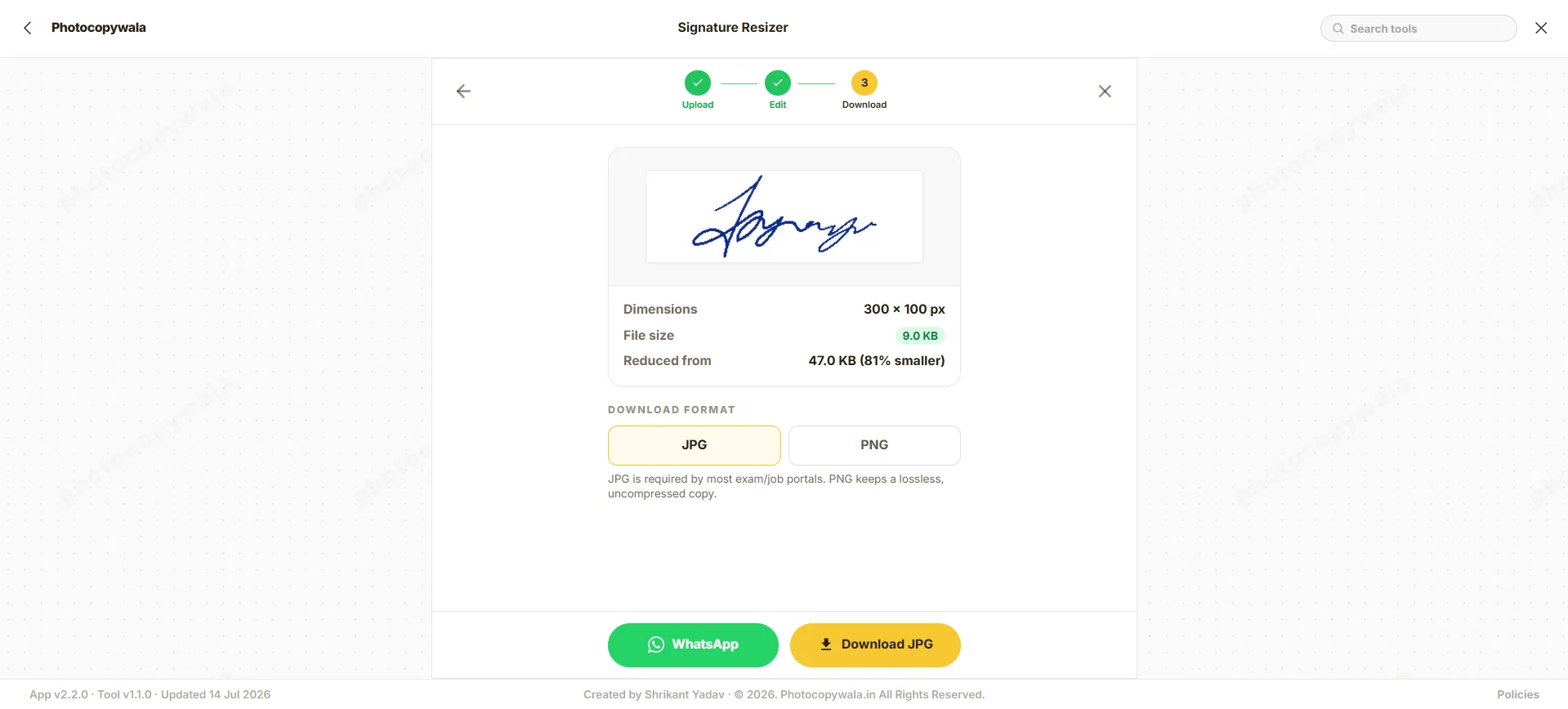
Quick answer
Use this page when your form clearly asks for a signature between 10KB and 20KB. It helps you crop extra blank space, reduce file size and keep the signature readable.
When your form asks for a different range, such as 10KB to 50KB, or gives width and height in cm/px, open the matching option from the related tools section.
Why use this resizer?
Focused on one job: preparing a readable signature file inside the 10KB to 20KB range.
Targeted Compression
Ensures the file is perfectly sized between 10KB and 20KB.
Preserves Clarity
Reduces size without making the signature unreadable.
Exact KB Range
Best for forms that specifically mention 10KB to 20KB.
How to resize signature to 10-20KB
Use this tool when your signature image needs to match a strict 10-20KB limit.
Step 1 - Upload signature
Upload your signature photo or scanned image. Use bright lighting when taking the photo.
Step 2 - Apply preset
The tool automatically sets the target size to 20KB. You can optionally set exact pixel width/height.
Step 3 - Download
Generate and download the resized signature. The final size will be displayed on screen.
Safe & secure conversions
Security is vital when dealing with official signatures. This tool processes your images locally inside your web browser using the Canvas API. No document is sent to any external server.
- No Server Uploads: Your images never leave your device. All processing happens locally in your web browser.
- No Data Retention: We do not store, view, or save your documents in any form.
- No Login Needed: You can safely resize without creating an account or providing email.
Signature resizing tips
Important notes before downloading your signature.
Black Ink Required
Use a dark black gel or ink pen on plain white paper for the best contrast.
Crop Before Resize
Crop extra white space around the signature before uploading to get a clean resize.
Correct Format
Ensure the signature is in JPG/JPEG format; most portals reject PNG or PDF files.
Frequently Asked Questions
Everything you need to know about 10-20KB signature requirements.
How do I resize my signature to exactly 10KB - 20KB?
Upload your signature photo to this tool. The target size is automatically set to 20KB. The tool will adjust the compression quality to ensure your file falls between 10KB and 20KB. Download the output and check the final size.
Will the signature become blurry if I compress it to 10KB?
If your original signature is too large, compressing it under 20KB can slightly reduce quality. However, our tool balances compression carefully. If it looks blurry, try cropping out any extra white space before resizing.
What is the standard dimension for a 10-20KB signature?
Most exams (like SSC and IBPS) that require a 10-20KB signature also require it to be around 140 pixels in width and 60 pixels in height (or 4.0 cm x 2.0 cm). You can set these exact dimensions in the tool settings.
Why do many Indian exam forms ask for 10KB to 20KB signatures?
Many exam and recruitment forms use a small signature upload range so files stay lightweight while still remaining readable. Always follow the current form instruction because limits can change by portal and year.
Will compressing my signature to under 20 KB make it blurry?
Heavy compression can make a poor original image blurry. Crop extra white space first and start with a clear black-ink signature so the final 10KB to 20KB JPG remains readable.
Can I convert PNG signatures into 10-20 KB JPG files?
Yes. Upload PNG, WEBP or other supported image formats, choose JPG/JPEG output, and check that the final file stays within the 10KB to 20KB range.
Conversion Step
Need help preparing this file?
If your photo, signature, PDF, or document is still not accepted on a portal, contact us. We can help prepare the final file online.
We do not ask for OTP, passwords, Aadhaar login, MPOnline login or any government portal credentials.